---
title: "The security tools"
slug: "the-security-tools"
abstract: "Overview of the security tools in the user, role and domain managers and the security and content editors."
---
# The security tools
In Sitecore, there are several tools available that you can use to manage various aspects of security.
The Sitecore security tools are:
- [The User Manager](https://doc.sitecore.com/xp/en/developers/104/platform-administration-and-architecture/the-security-tools.html#UUID-242b846d-a1c3-2787-96bd-216c2962560c_id__The_User_Manager "The User Manager")
- [The Role Manager](https://doc.sitecore.com/xp/en/developers/104/platform-administration-and-architecture/the-security-tools.html#UUID-242b846d-a1c3-2787-96bd-216c2962560c_id__Role_Manager "The Role Manager")
- [The Security Editor](https://doc.sitecore.com/xp/en/developers/104/platform-administration-and-architecture/the-security-tools.html#UUID-242b846d-a1c3-2787-96bd-216c2962560c_id__Security_Editor "The Security Editor")
- [The Access Viewer](https://doc.sitecore.com/xp/en/developers/104/platform-administration-and-architecture/the-security-tools.html#UUID-242b846d-a1c3-2787-96bd-216c2962560c_id__Access_Viewer "The Access Viewer")
- [The Domain Manager](https://doc.sitecore.com/xp/en/developers/104/platform-administration-and-architecture/the-security-tools.html#UUID-242b846d-a1c3-2787-96bd-216c2962560c_id__Domain_Manager "The Domain Manager")
- [The Content Editor — the Security tab](https://doc.sitecore.com/xp/en/developers/104/platform-administration-and-architecture/the-security-tools.html#UUID-242b846d-a1c3-2787-96bd-216c2962560c_N1525435382913)
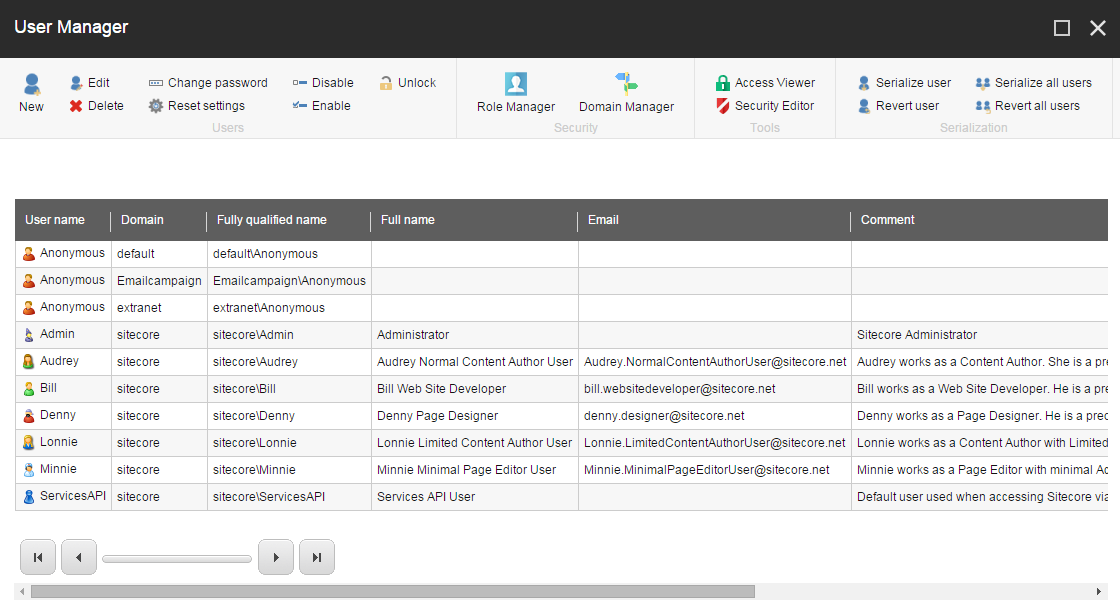
The User Manager
You can use the User Manager to create and manage the users that have access to your system.
In the User Manager, you can:
- Create, edit, and delete users
- Change the password of users
- Enable and disable users
- Lock and unlock users
- Open the other security tools
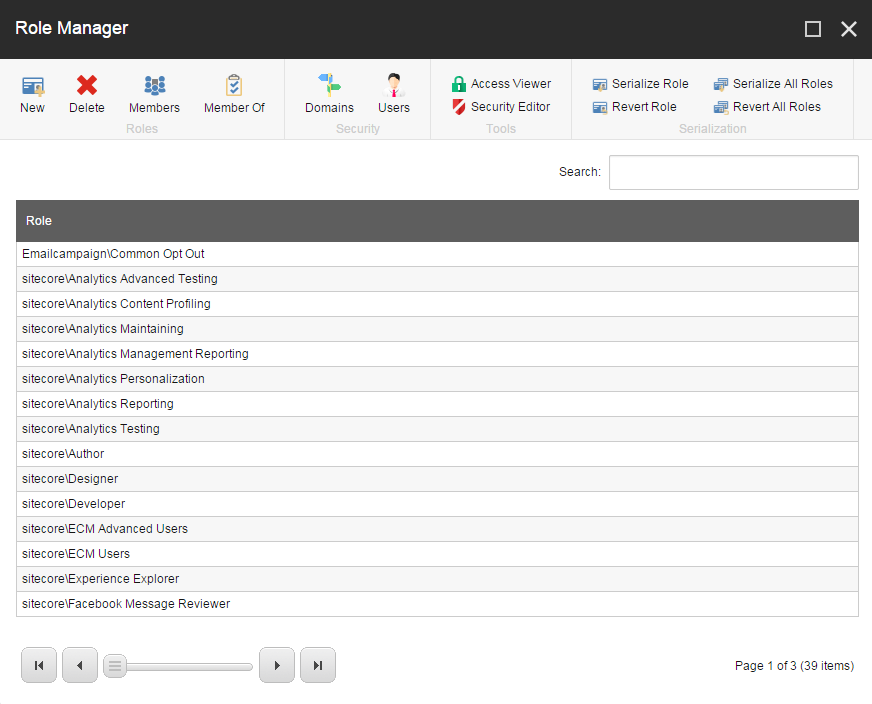
The Role Manager
You can use the Role Manager to create and manage the roles that you want to assign to your security accounts (users and roles).
In the Role Manager, you can:
- Create and delete roles.
- Add or remove users and roles as members of a role.
- Open the other security tools.
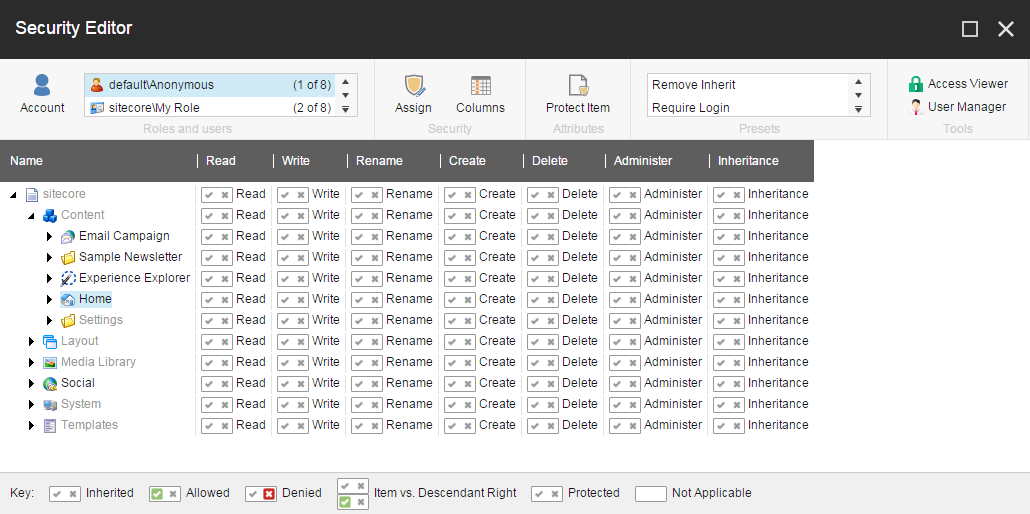
The Security Editor
You can use the Security Editor to assign the access rights that roles and users should have to the items in the content tree.
In the Security Editor, you can:
- Assign access rights to your security accounts
- Protect and unprotect items
- Open the Access Viewer and the User Manager
The Access Viewer
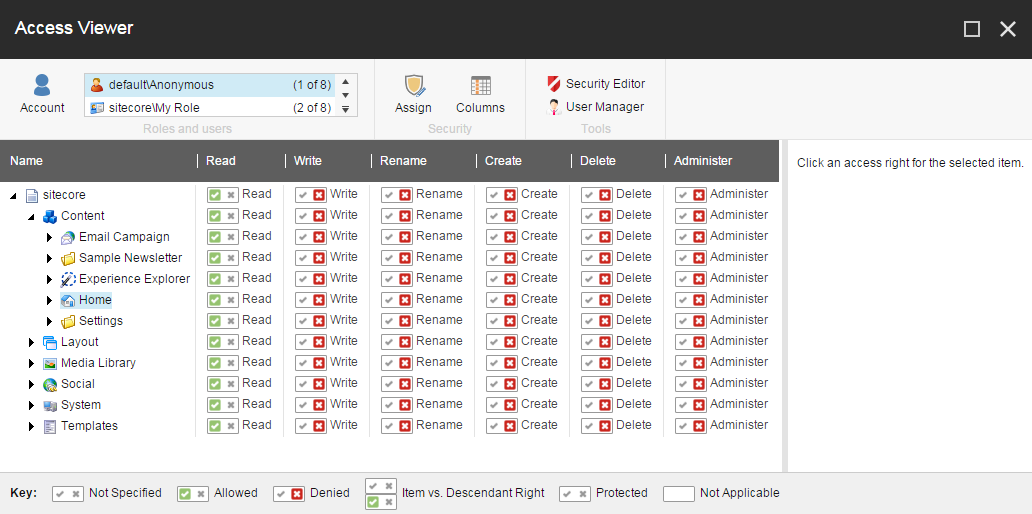
You can use the Access Viewer to get an overview of the access rights that are assigned to your security accounts.
In the Access Viewer, you can:
- Get an overview of the access rights that are assigned to the security accounts for each item in the content tree.
- See an explanation of how the current settings have been resolved.
- Open the Security Editor and the User Manager.
The Domain Manager
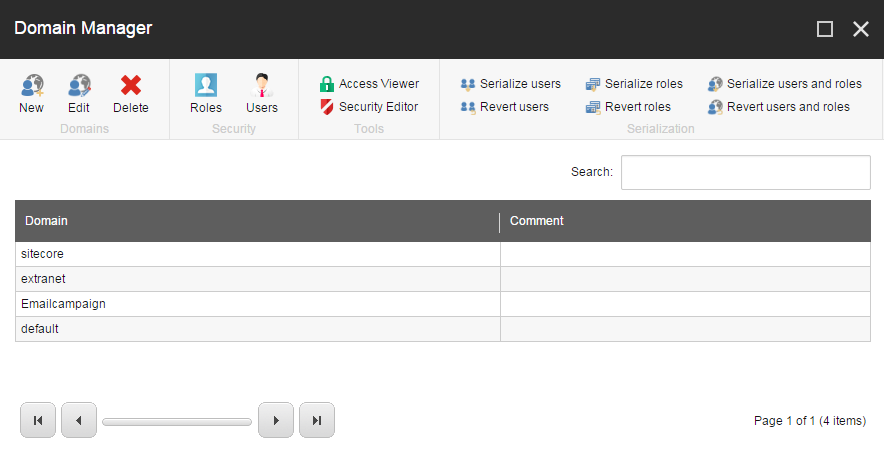
You can use the Domain Manager to create and manage your domains.
In the Domain Manager, you can:
- Create and delete domains.
- Specify whether the domains are global or locally managed.
- Open other security tools.
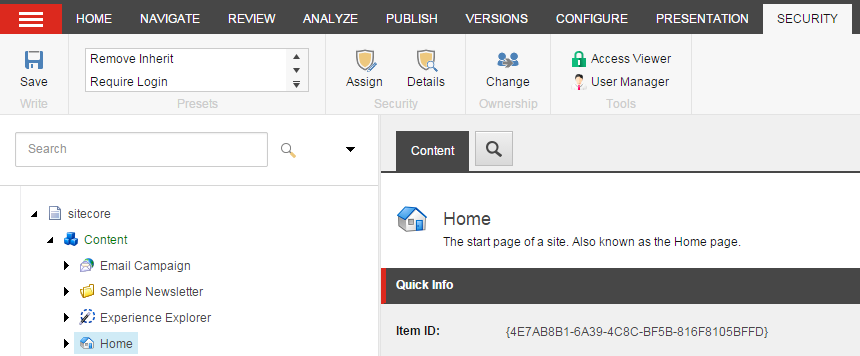
The Content Editor — the Security tab
In the Content Editor, there are security functionalities available that enable you to assign access rights to your security accounts.
In the Content Editor, on the **Security** tab, you can:
- Assign access rights to your security accounts.
- Get an overview of the roles and users that have access rights to individual items in the content tree.
- Change the ownership of an item.
- Open the Access Viewer and the User Manager.