---
title: "Test your queries"
slug: "test-your-queries"
abstract: "Learn how to use the Delivery API IDE and the GraphQL testing UI for testing your queries."
---
# Test your queries
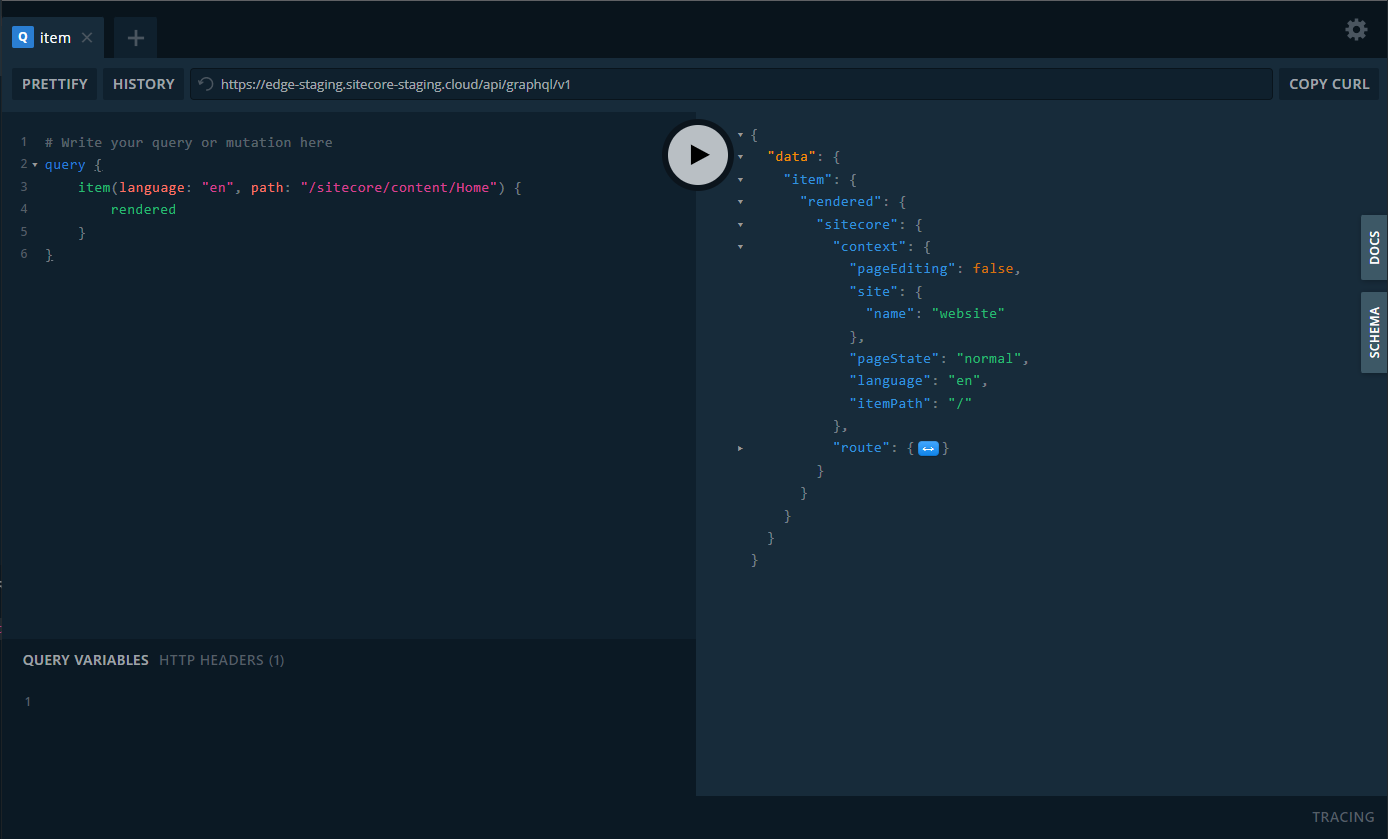
The GraphQL IDEs help you test GraphQL queries before you use them in your application. There is a GraphQL IDE built on top of the Preview API (the Preview API IDE) and the Delivery API (the Delivery API IDE) with additional features such as automatic schema reloading. Before using the Delivery IDE and the Preview IDE, you must create an API key.
> [!note]
> You can only use the GraphQL IDE if you have installed Experience Edge.
Test queries with the Delivery API IDE
The Delivery API IDE uses the Delivery API, a GraphQL API that is hosted on the Delivery Platform and provides access approved and published content. You must [authenticate with an API key](https://doc.sitecore.com/xp/en/developers/hd/23/sitecore-headless-development/create-the-api-key.html "Create the API key") for all requests to the Delivery API. [Use OAuth to obtain a JWT](https://doc.sitecore.com/xp/en/developers/hd/23/sitecore-headless-development/request-a-jwt-for-experience-edge-xm-using-oauth.html "Request a JWT for Experience Edge XM using OAuth") before you create an API key.
When you have access to the GraphQL endpoint, you can [run queries](https://doc.sitecore.com/xp/en/developers/hd/23/sitecore-headless-development/query-examples-for-the-delivery-api.html "Query examples for the Delivery API") and see, for example, what kind of objects you can access, what type of attributes they have, and so on. The URL of the IDE of the Delivery API is `https://edge.sitecorecloud.io/api/graphql/ide`.
Test queries with the Preview API IDE
The Preview API IDE provides the same functionality as the Delivery IDE, but it executes against the Preview API on your self-hosted Sitecore XM instance. You can use the Preview endpoint testing UI to test your queries. The Preview endpoint (`/sitecore/api/graph/edge`) on your self-hosted Sitecore XM instance is enabled by default. However, you must [create an API key](https://doc.sitecore.com/xp/en/developers/hd/23/sitecore-headless-development/create-the-api-key.html "Create the API key") and pass it with your GraphQL request.
To test your queries:
1. Go to: `https:///sitecore/api/graph/edge/ui`
2. In the HTTP Headers section of the UI, specify the `sc_apikey` header.
```json
{
"sc_apikey": "your-api-key-guid"
}
```
> [!note]
> Sitecore Services Client and Sitecore GraphQL also accept API keys through a query string. We recommend you use the `sc_apikey` HTTP header because this mirrors the behavior of Experience Edge.