---
title: "Recommendations: Structuring pages"
slug: "recommendations--structuring-pages"
abstract: "Best practices for layout."
---
# Recommendations: Structuring pages
In SXA, you build your website with reusable pieces of content and layout. All these pieces together create the layout for your pages.
This topic describes the following recommendations for working with [page designs](https://doc.sitecore.com/xp/en/developers/sxa/105/sitecore-experience-accelerator/page-designs.html "Page designs"), partial designs, snippets, and composites.
Design the page layout in partial designs
To make the editor’s life easier, design as much as possible using [partial designs](https://doc.sitecore.com/xp/en/developers/sxa/105/sitecore-experience-accelerator/create-and-change-a-partial-design.html "Create and change a partial design"). Partial designs help create a consistent style, make the editor's work easier, and improve Experience Editor performance.
What you should know about partial designs:
- When renderings are placed on partial designs and assigned to a page through [page designs](https://doc.sitecore.com/xp/en/developers/sxa/105/sitecore-experience-accelerator/create-and-assign-a-page-design-in-the-content-editor.html "Create and assign a page design in the Content Editor"), editors need to perform fewer operations when creating generic pages, such as articles.
- Place an empty Container rendering or another rendering with an empty placeholder on your partial design to give your editors well-defined extension points. Set [placeholder restrictions](https://doc.sitecore.com/xp/en/developers/sxa/105/sitecore-experience-accelerator/set-placeholder-restrictions.html "Set placeholder restrictions") on those placeholders to indicate which components are allowed in those areas.
- Leverage [Snippets](https://doc.sitecore.com/xp/en/developers/sxa/105/sitecore-experience-accelerator/configure-a-snippet.html "Configure a snippet") and page branches where local customization is needed. Partial designs improve performance.
Related topics
- [Page designs](https://doc.sitecore.com/xp/en/developers/sxa/105/sitecore-experience-accelerator/page-designs.html "Page designs")
- [Create and change a partial design](https://doc.sitecore.com/xp/en/developers/sxa/105/sitecore-experience-accelerator/create-and-change-a-partial-design.html "Create and change a partial design")
- [Create and assign a page design in the Content Editor](https://doc.sitecore.com/xp/en/developers/sxa/105/sitecore-experience-accelerator/create-and-assign-a-page-design-in-the-content-editor.html "Create and assign a page design in the Content Editor")
- [Create and assign a page design in the Experience Editor](https://doc.sitecore.com/xp/en/developers/sxa/105/sitecore-experience-accelerator/create-and-assign-a-page-design-in-the-experience-editor.html "Create and assign a page design in the Experience Editor")
Put complex reusable structures in partial designs or composites
Do not make editors place multiple renderings to create a page that does not need a unique layout. For example, all article pages tend to look the same, which makes them a perfect candidate to define their structure in [partial designs](https://doc.sitecore.com/xp/en/developers/sxa/105/sitecore-experience-accelerator/create-and-assign-a-page-design-in-the-content-editor.html "Create and assign a page design in the Content Editor"). In contrast, landing pages tend to vary a great deal, which makes them good candidates to have a minimal page design with large placeholders giving editors a great deal of flexibility.
Use partial designs when the page layout should be determined ahead of page creation.
If you want the editors to be able to style and change the layout, consider using composites or snippets.
Use [composites](https://doc.sitecore.com/xp/en/users/sxa/105/sitecore-experience-accelerator/composite-renderings.html) when you want a group of renderings to have its own layout and you want the editor to be able to design it in the Experience Editor. Consider using [snippets](https://doc.sitecore.com/xp/en/users/sxa/105/sitecore-experience-accelerator/configure-a-snippet.html) when you want to create a reusable group of renderings. A snippet consists of several renderings that can be designed separately in the Experience Editor. In the same way as with partial designs, you can group different kinds of renderings and reuse this group in different locations. The difference between a snippet and a partial design is that snippets are extensible, you can change the styling, and you can use them as often on the page as you want.
Related topics:
- [Page designs](https://doc.sitecore.com/xp/en/developers/sxa/105/sitecore-experience-accelerator/page-designs.html "Page designs")
- [Create and change a partial design](https://doc.sitecore.com/xp/en/developers/sxa/105/sitecore-experience-accelerator/create-and-change-a-partial-design.html "Create and change a partial design")
- [Create and assign a page design in the Experience Editor](https://doc.sitecore.com/xp/en/developers/sxa/105/sitecore-experience-accelerator/create-and-assign-a-page-design-in-the-experience-editor.html "Create and assign a page design in the Experience Editor")
- [Share datasources and presentation using the multisite feature](https://doc.sitecore.com/xp/en/users/sxa/105/sitecore-experience-accelerator/share-data-sources-and-presentation-using-the-multisite-feature.html)
Remove unnecessary renderings from your site
If you are not using some renderings and you do not have them styled – consider removing them from the **Available Renderings** section in the site. A clean [toolbox](https://doc.sitecore.com/xp/en/users/sxa/105/sitecore-experience-accelerator/the-toolbox.html), makes the editor's life a lot easier. It can be frustrating to drop a rendering on a page only to find out that it was not styled and does not fit the branding of your website.
Set placeholder restrictions
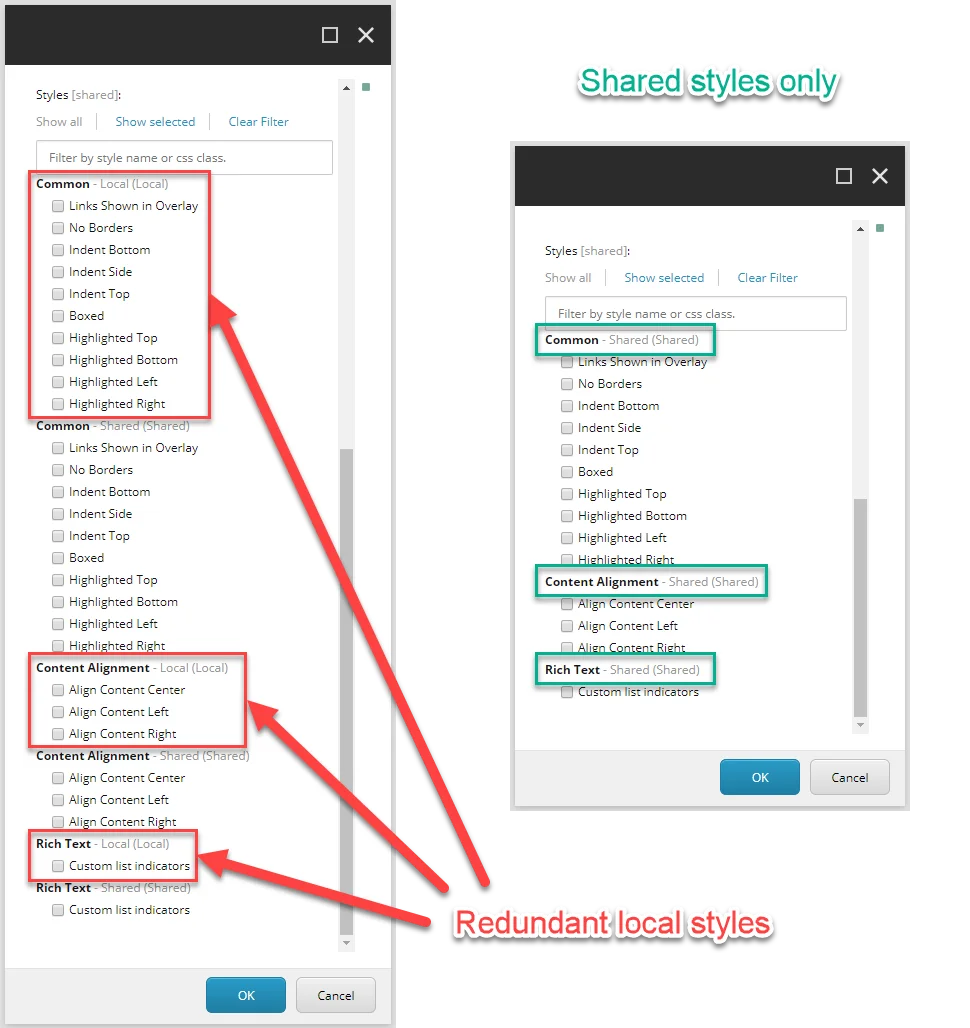
To have some control over the renderings that can be placed in a placeholder, you can [set placeholder restrictions](https://doc.sitecore.com/xp/en/developers/sxa/105/sitecore-experience-accelerator/set-placeholder-restrictions.html "Set placeholder restrictions"). Excluding renderings that you never expect to use, or do not want to use, makes the editor's job much easier.
Related topics
- [The Toolbox](https://doc.sitecore.com/xp/en/users/sxa/105/sitecore-experience-accelerator/the-toolbox.html)
- [Set placeholder restrictions](https://doc.sitecore.com/xp/en/developers/sxa/105/sitecore-experience-accelerator/set-placeholder-restrictions.html "Set placeholder restrictions")
- [Restructure the Toolbox](https://doc.sitecore.com/xp/en/developers/sxa/105/sitecore-experience-accelerator/restructure-renderings-in-the-experience-editor.html "Restructure renderings in the Experience Editor")
Do not use Standard Values to set presentation details for your pages
All sites in a single site collection use the same set of templates. Each of them can have separate style items or even use a different grid. Unless you are using a single [shared site](https://doc.sitecore.com/xp/en/users/sxa/105/sitecore-experience-accelerator/share-data-sources-and-presentation-using-the-multisite-feature.html) for the whole site collection as your styles' holder, this can result in broken layouts on some sites.
As an alternative, use partial designs or [snippets](https://doc.sitecore.com/xp/en/developers/sxa/105/sitecore-experience-accelerator/configure-a-snippet.html "Configure a snippet") with sets of preconfigured renderings. Setting your presentation up in this way creates a balance of flexibility, and makes the experience more streamlined and manageable.
If you have designs that you want to share between all sites within a site collection, consider creating [shared site functionality](https://doc.sitecore.com/xp/en/users/sxa/105/sitecore-experience-accelerator/share-data-sources-and-presentation-using-the-multisite-feature.html)that contains your page and partial designs so that you can reuse those.
Related topics:
- [Page designs](https://doc.sitecore.com/xp/en/developers/sxa/105/sitecore-experience-accelerator/page-designs.html "Page designs")
- [Create and change a partial design](https://doc.sitecore.com/xp/en/developers/sxa/105/sitecore-experience-accelerator/create-and-change-a-partial-design.html "Create and change a partial design")
- [Create and assign a page design in the Content Editor](https://doc.sitecore.com/xp/en/developers/sxa/105/sitecore-experience-accelerator/create-and-assign-a-page-design-in-the-content-editor.html "Create and assign a page design in the Content Editor")
- [Create and assign a page design in the Experience Editor](https://doc.sitecore.com/xp/en/developers/sxa/105/sitecore-experience-accelerator/create-and-assign-a-page-design-in-the-experience-editor.html "Create and assign a page design in the Experience Editor")
Use partial design inheritance
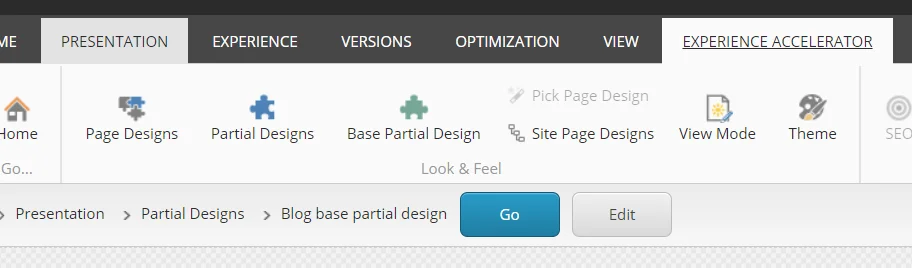
When you create partial designs that only differ from each other slightly, consider creating a base [partial design](https://doc.sitecore.com/xp/en/developers/sxa/105/sitecore-experience-accelerator/create-and-change-a-partial-design.html "Create and change a partial design") with the common layout elements and then inherit that partial design in the more specific partials. With partials' inheritance, you can maintain the shared aspects of your design in one place and easily propagate those changes to all the different page types that the authors are creating.
For example, if you need two slightly different headers. By taking advantage of partials' inheritance, you can create one base partial design with, for example, the navigation rendering, and then create other partials on top of that one and fill in the differences with different logos, and so on. This way, you avoid the creation of numerous templates with only minor differences.
Prioritize changing the grid settings of a rendering over using splitters to change the layout of a rendering
By default, when you add a rendering to a page, it takes the full width of the column. In the Experience Editor, you can change this in the grid settings of the rendering. To change the default settings permanently, you must change the grid settings in the Content Editor.
Always consider changing the layout of a rendering first before placing additional splitters on a page. This way, you limit the number of renderings, which makes your page more responsive, and improves the speed of the Experience Editor.
Related topics:
- [The grid layout](https://doc.sitecore.com/xp/en/users/sxa/105/sitecore-experience-accelerator/the-grid-layout.html)
- [Change the layout of a rendering](https://doc.sitecore.com/xp/en/users/sxa/105/sitecore-experience-accelerator/change-the-layout-of-a-rendering.html)
- [The grid settings](https://doc.sitecore.com/xp/en/developers/sxa/105/sitecore-experience-accelerator/the-grid-settings.html "The grid settings")
- [Change the layout of a page](https://doc.sitecore.com/xp/en/users/sxa/105/sitecore-experience-accelerator/change-the-layout-of-a-page.html)