---
title: "View modes and themes"
slug: "view-modes-and-themes"
abstract: "Switch view modes"
---
# View modes and themes
SXA comes with different view modes to help you set up your site quickly. A site can be put together using wireframe mode, while in the meantime the site theme is sent to a creative agency using Creative Exchange.
Select the view mode
When you open a site that has no site theme selected in Experience Editor, the Wireframe mode is automatically selected. On the ribbon, on the Experience Accelerator tab, click **View Mode** to switch the mode.
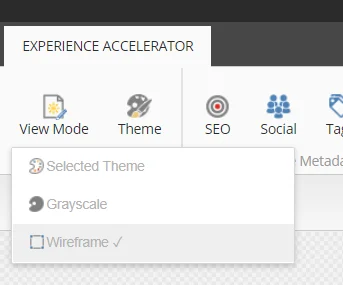
You can select the following view modes:
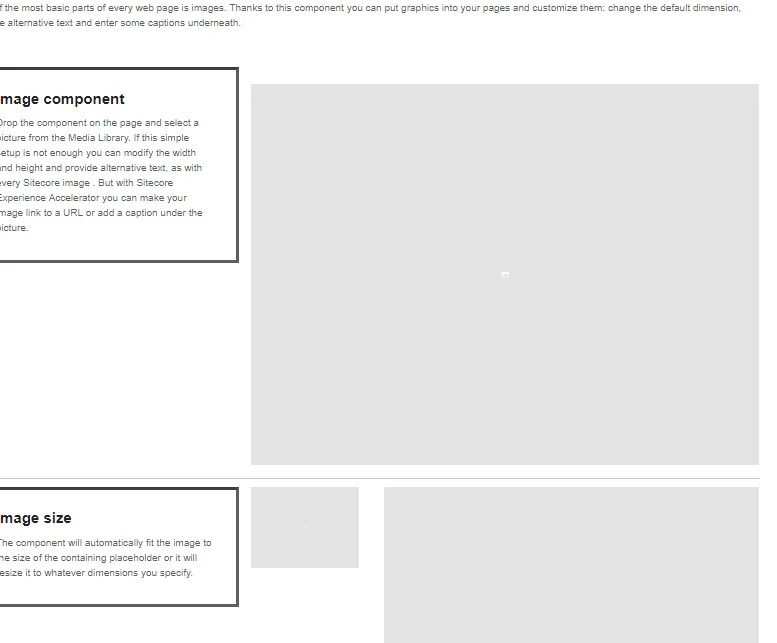
- **Wireframe** - Wireframe theme is selected. Creative Exchange shows a warning during export.
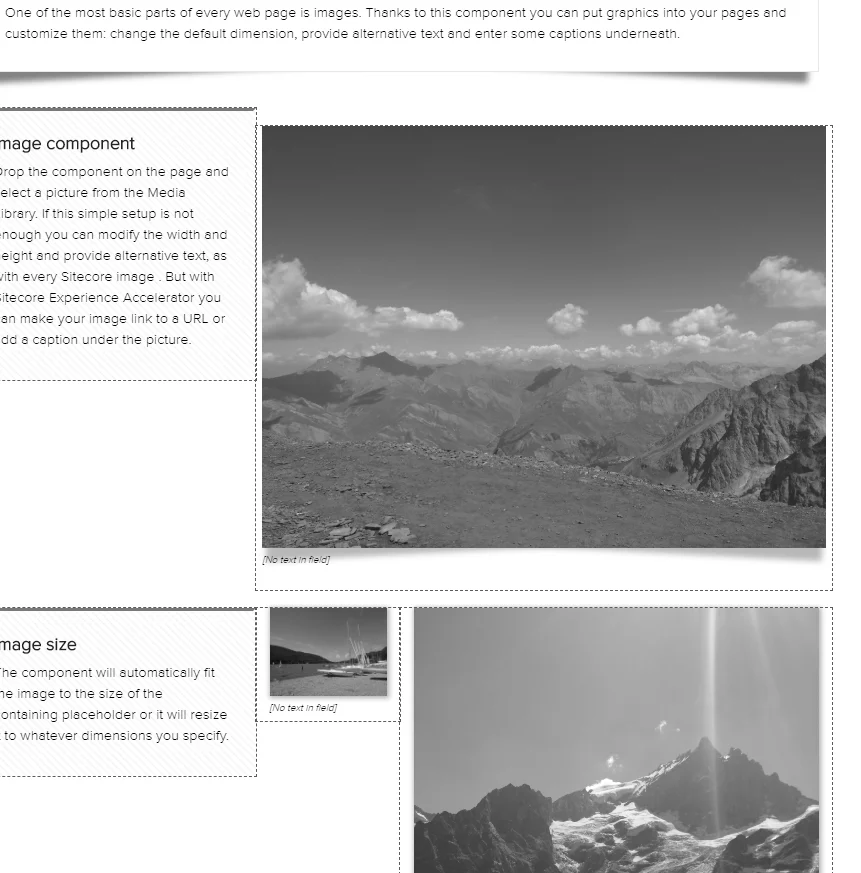
- **Grayscale** - The Site theme is selected and the styling is changed to remove all colors from styles and images. Creative Exchange shows a warning during export.
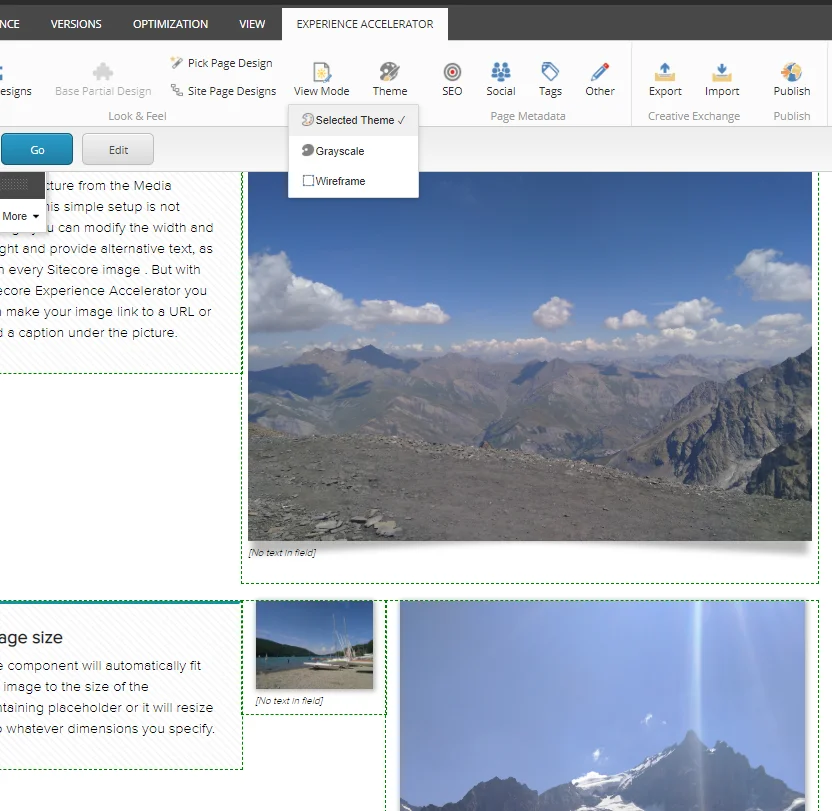
- **Selected Theme** - Site theme is selected.
Disable the view mode
For some devices the view mode does not apply. For these devices you can switch the view mode off.
To disable the view mode:
- Open the `Sitecore.XA.Foundation.Theming.config` file, navigate to the `` section, and add the GUID of the device item in Sitecore. For example, for JSON:
```xml
{0B4A31C9-712D-4578-A396-2DDC0F34B63A}
```