Further usage and help
This section contains the following additional information that might be useful when you are using Sitecore Installation Framework:
Run tasks and config functions directly
Tasks and config functions are implemented as PowerShell cmdlets. When SIF is installed, you can use standard PowerShell syntax to directly invoke these cmdlets.
Running tasks or config functions directly allows you to test the results at the command line. You can also integrate the commands into your own PowerShell scripts.
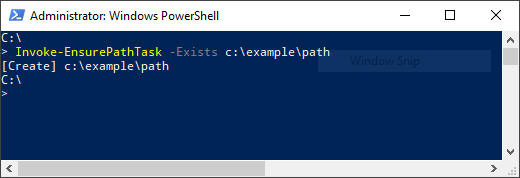
For example, you can directly invoke the EnsurePath task by using its full PowerShell syntax:
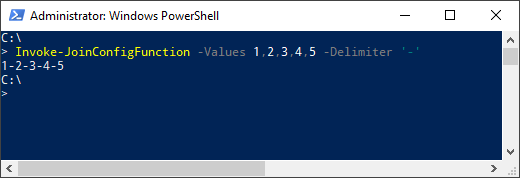
Similarly, you can directly invoke the Join config function by using its full PowerShell syntax:
Execution policies
The PowerShell execution policies let you restrict the conditions in which scripts and modules are loaded.
You can set policies for the computer, the user, or for the current session. You can also use a Group Policy to apply them. SIF is digitally signed. This means that the module can be imported and executed in a PowerShell session running under any execution policy, except Restricted.
Get help about Sitecore Installation Framework
SIF contains information about each task and config function as well as general documentation about the framework:
about_SitecoreInstallFramework - general information about the framework.
about_SitecoreInstallFramework_Extending - information about extension points that let you customize the framework.
about_SitecoreInstallFramework_Configurations - examples of how to use tasks, scripts, and modules if you extend the framework.
There are three ways to view the help documentation:
- In the PowerShell window.
- With a markdown reader.
- As HTML pages.
In addition to the help for individual tasks and functions, you can also use the Get-Command cmdlet to see a list of all the available tasks and config functions.
View help in the PowerShell window
The PowerShell module has embedded help documentation. To see the help, enter the Get-Help cmdlet and the help is displayed in the command line.
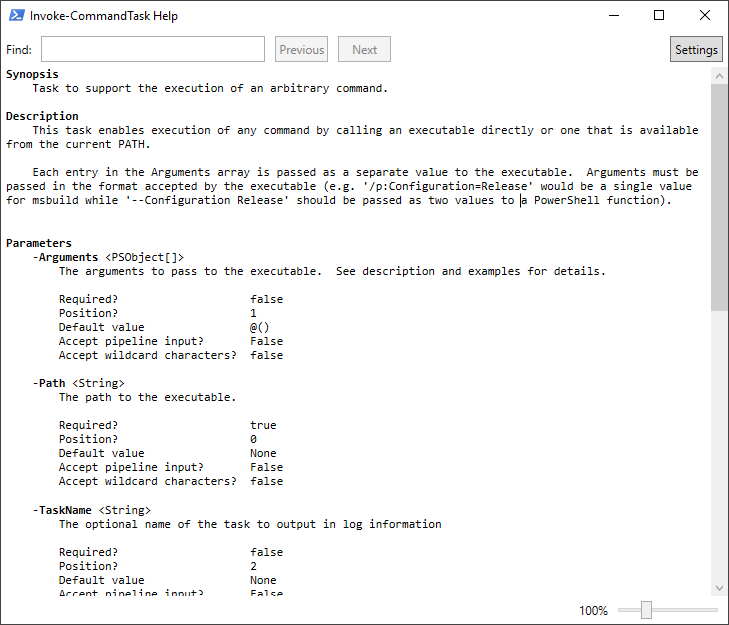
If you want to open the help for a specific PowerShell command or function in a separate window, add the ShowWindow parameter to the Get-Help cmdlet. For example: Get-Help Invoke-CommandTask -ShowWindow:
View help with a markdown reader
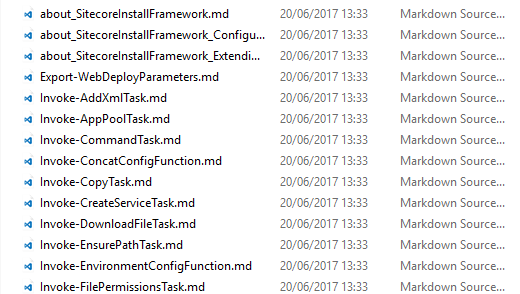
When you unpack SIF, it contains a folder of markdown documentation that you can read with any text editor or markdown reader.
To read the documentation, in Windows Explorer, go to the SitecoreInstallFramework\docs folder and use a text editor or markdown reader to open the relevant topic:
View help as HTML pages
SIF also contains a folder of HTML pages that you can read with any browser. To read the documentation:
- In Windows Explorer, go to the
SitecoreInstallFramework\docs\htmlfolder. - To open a topic in the default browser, double-click it.
Get a list of the available tasks and config functions
To see the tasks and config functions that are available, run the Get-SitecoreInstallExtension cmdlet.
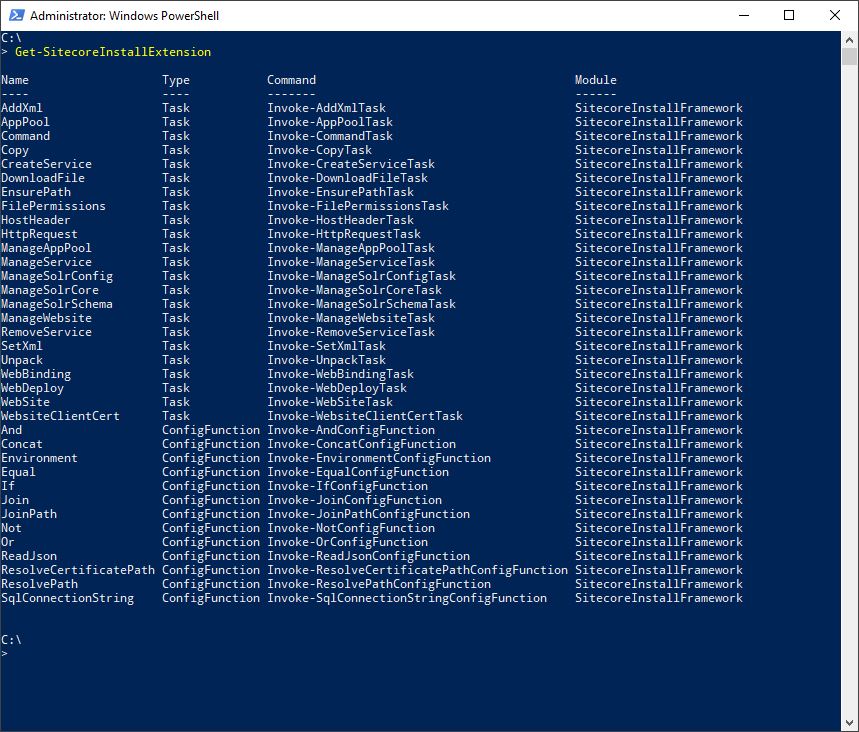
You can filter the list by passing a value to the Type parameter.
The following command returns the tasks:
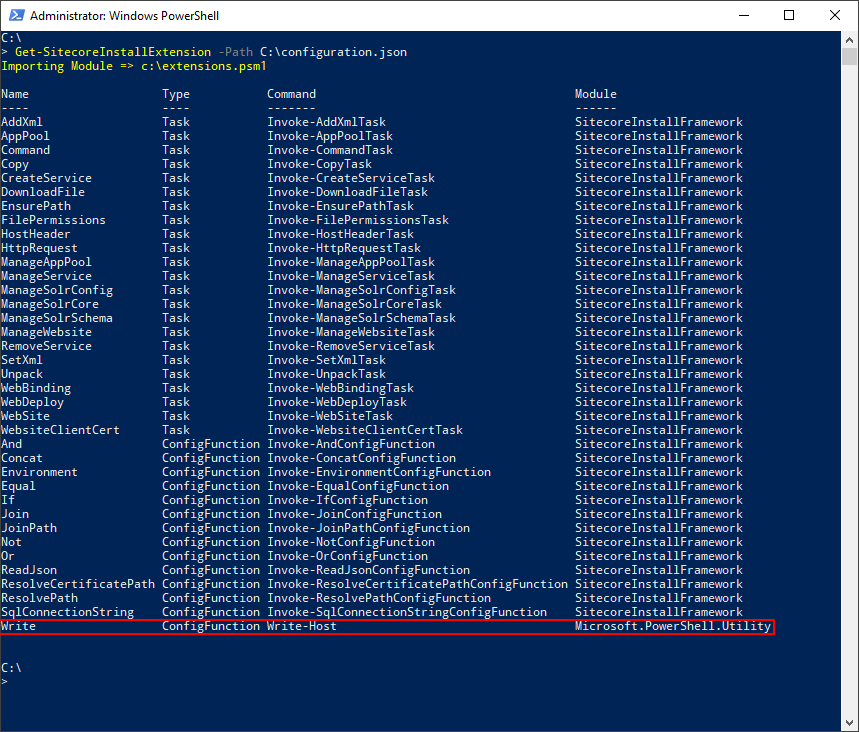
To return the tasks and config functions that are available when a particular configuration is run, you must pass the path to the configuration file to the Path parameter.
For example,
displays the default tasks and config functions, as well as the extra registrations brought in by the configuration.