Delete unwanted marketing definitions and marketing taxonomies
If you are using the xDB functionality, you might have restored some previously deleted marketing definitions and marketing taxonomies before installing the upgrade package.
Now that the upgrade and installation is complete, you can delete your custom marketing definitions and marketing taxonomies again.
If you try to remove any Sitecore XP items that are provided out of the box, they will not be removed. Since Sitecore XP 10.1.0, these default items are supplied as resources and are immutable.
To see a list of the marketing definitions that were previously deleted:
- In a text editor, open the
\App_Data\RestoredDefinitions_{timestamp}.datfile.
To see a list of the marketing taxonomies that were previously deleted:
- In a text editor, open the
\App_Data\RestoredTaxonomies_{timestamp}.datfile.
To delete the unwanted marketing definition items from the Master database:
-
To open the Restore Deleted Marketing Definitions page, enter the following URL in a browser:
http://<hostname>/sitecore/admin/RestoreDeletedMarketingDefinitions.aspx -
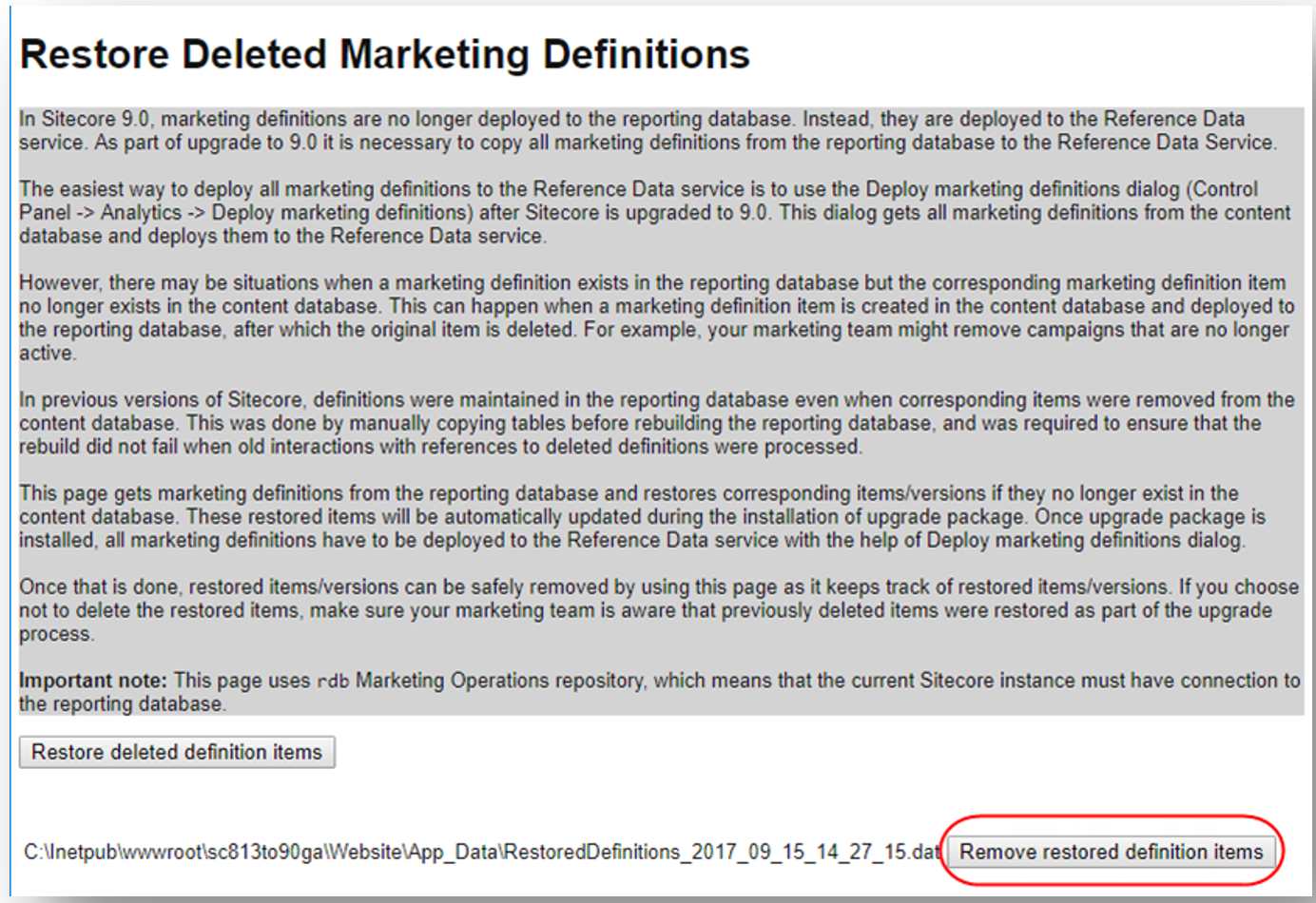
At the bottom of the page, next to the name of the file that contains data about the restored items, click Remove restored definition items.
To delete unwanted marketing taxonomy items from the Master database:
-
To open the Restore Deleted Marketing Taxonomies page, enter the following URL in a browser:
http://<hostname>/sitecore/admin/RestoreDeletedMarketingTaxonomies.aspx -
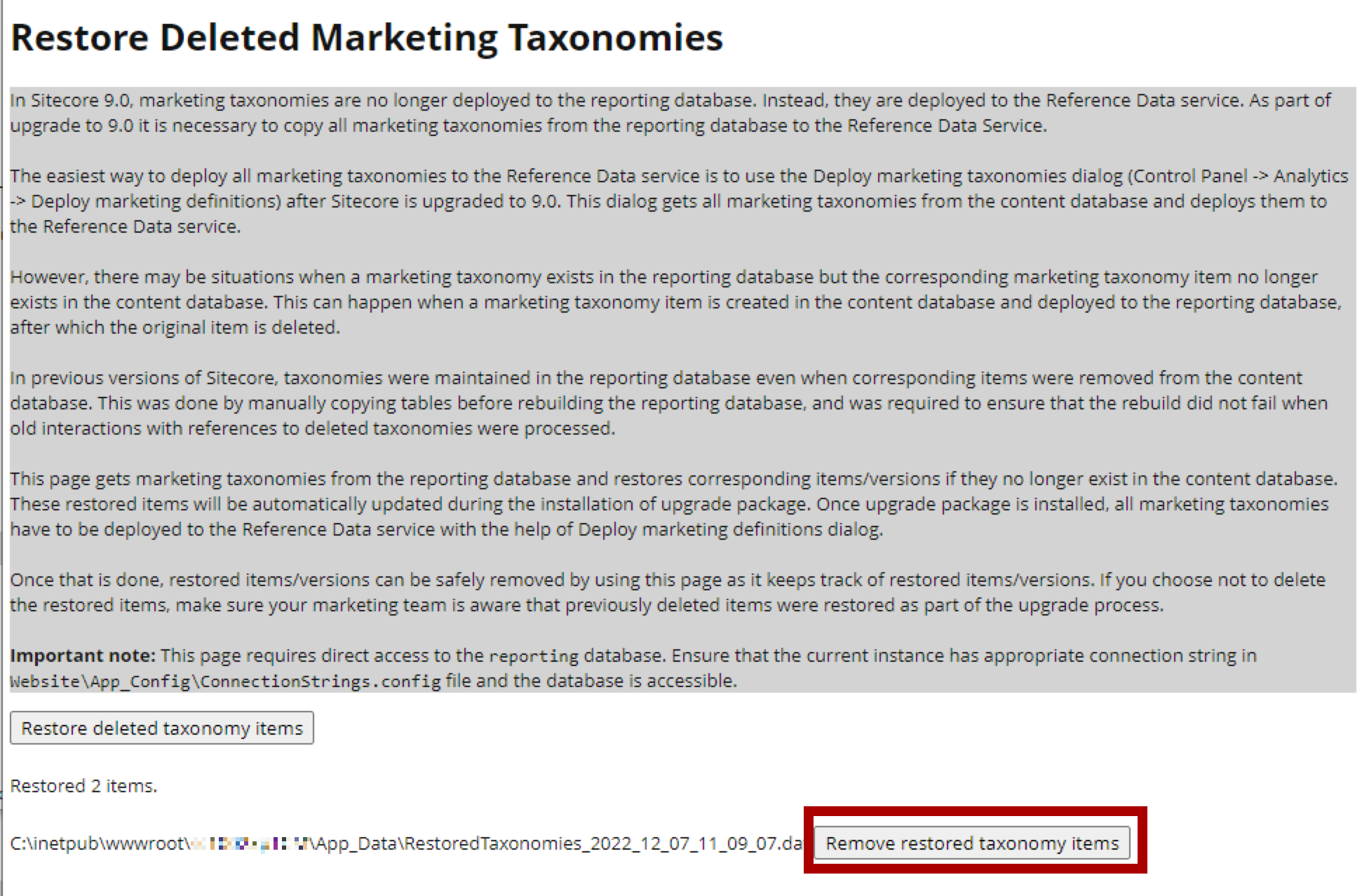
At the bottom of the page, next to the name of the file that contains data about the restored items, click Remove restored taxonomy items.