Upgrade the included lists in List Manager
In Sitecore XP 9.0.2 or earlier, you could add contact lists to other lists.
Since Sitecore XP 9.1.0, included lists are treated as list sources and this allows you to track contacts from different sources. If you have contact lists that contain included lists and want them to be shown as list sources, you must:
-
On the CM instance, open the
/sitecore/admin/ConvertContactListSources.aspxpage.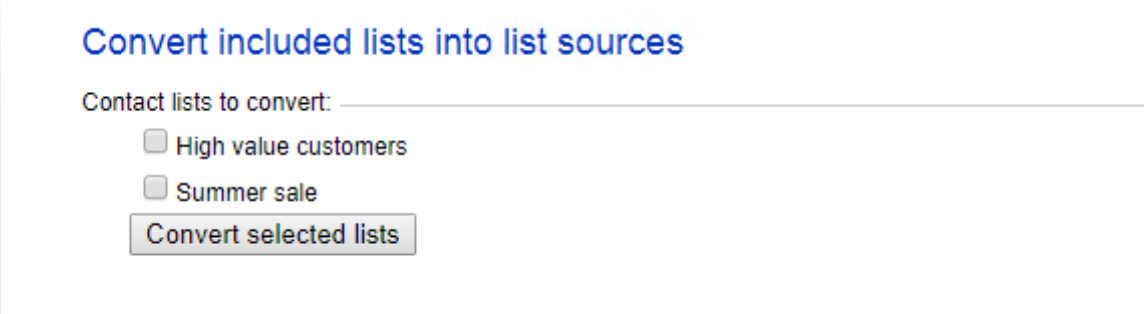
-
Select the lists that you want to convert into lists sources (only lists that contain included lists that are not treated as list sources appear on a screen) and click Convert selected lists.
When you open this page again, it displays the lists that are currently being processed. When all the included lists have been converted to list sources, the page is empty.