The default channel ID of new email campaign items
Version:
When you send an email campaign, the Email Experience Manager creates a new email campaign item and adds a channel ID to the campaign item.
By default, the channel is Email Marketing. You can change the default channel ID in the CampaignClassification.Channel setting in the Sitecore.EmailExperience.Core.config file.
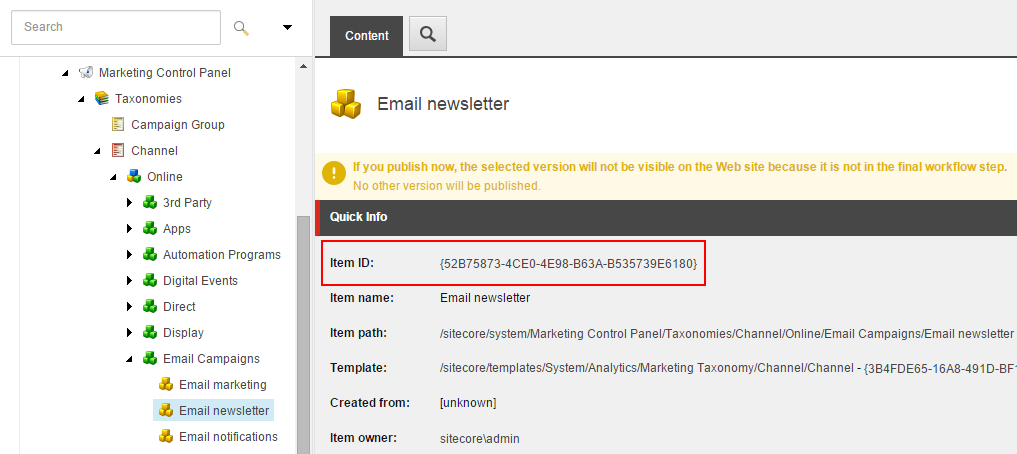
For the value of this setting, use the item ID of the channel item that you want to use as the default.
When a recipient clicks a link in an email, Sitecore uses the channel ID in the campaign item to track the campaign.
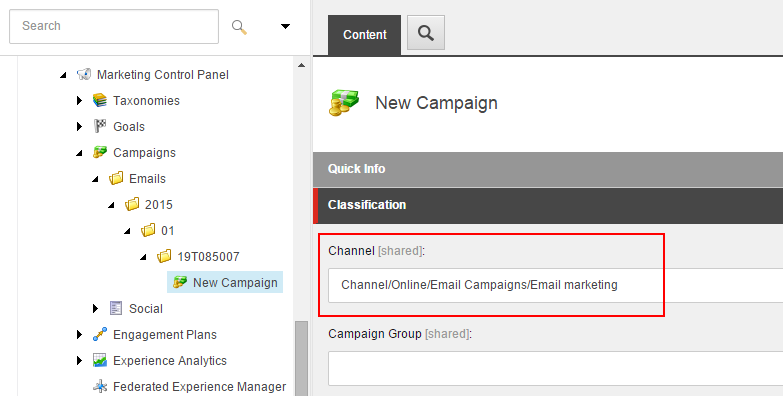
You can read the channel ID in a campaign item using the Sitecore Taxonomy API: