Localize date formats for SXA search
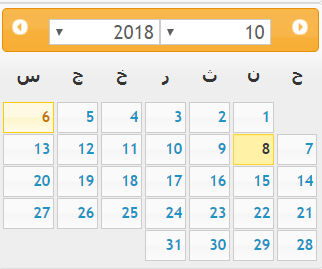
SXA lets you use search renderings, such as the Filter (Date) rendering, to allow visitors to refine search results based on dates. To be able to display localized date formats, weekday names, and month names, you can download datepickers in a specific language from github and add them to your SXA site theme(s).
To install a local datepicker:
-
Download the relevant file from github.
-
Open the file and change:
factory( jQuery.datepicker );to
factory( $xa.datepicker ); -
Save the file.
-
To make the local datepicker available on your pages:
-
For all themes - upload the file to /sitecore/Media Library/Base Themes/Core Libraries/scripts and position it after xaquery.
-
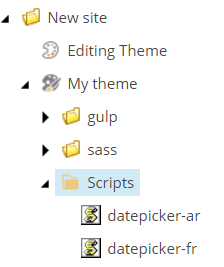
For a specific theme - upload the file to the Scripts folder of that theme.
-
-
Switch the language of your site or page, refresh the page in Experience Editor, and go to Preview mode. You can see the calendar displays in the correct language.