Content area
Version:
The Content area displays content items as search results.
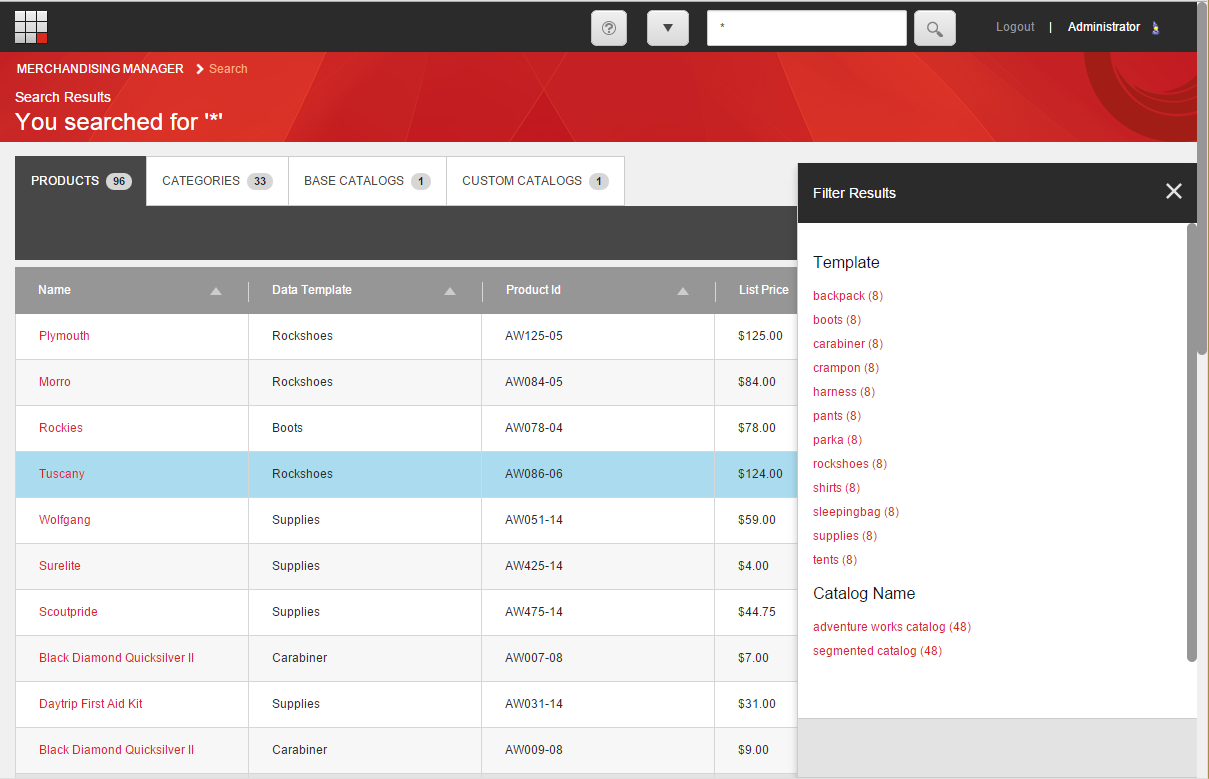
List items are displayed in a table, sorted by tabs. Each tab can be activated in turn, allowing for operations on the items in the content area. Each row of the table contains a list item and associated meta data by column. List items are sortable.
-
Tabs - select the tab that corresponds to the content item search results you wish to browse. The tab includes a tally of the content items it contains.
-
Sort Control - use the arrows in the column header to control the sort order
-
Content Item listing - each row of the table details the attributes for the content item