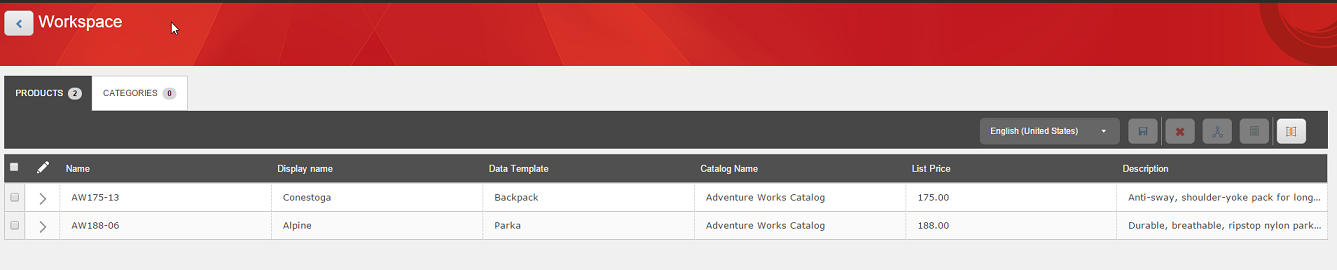
Workspace - products
Version:
Workspace provides an area to store frequently changed products as a kind of favorites list, and also provides a mechanism for bulk editing products, product families, variants, and relationships. You can add products from multiple catalogs to your Workspace.
There are two options to edit a product in the Workspace:
-
Click the View Details arrow to the left of the name of the product you want to edit. The Product Details page will open, and you can make and save your changes there.
-
In the row of the product, click the option you want to edit. If the field can be edited, the cursor will appear in the cell, and it will have a blue border.