Send a quick test of an email campaign
Version:
To make sure that you can successfully send and receive an email campaign, in the Email Experience Manager (EXM), you can send the email campaign to a few known email addresses, such as your own or a co-worker's. In this way, you can quickly verify that the email campaign layout looks good in your own email client and that spam filters do not block your email campaign.
To send a quick test of an email campaign:
-
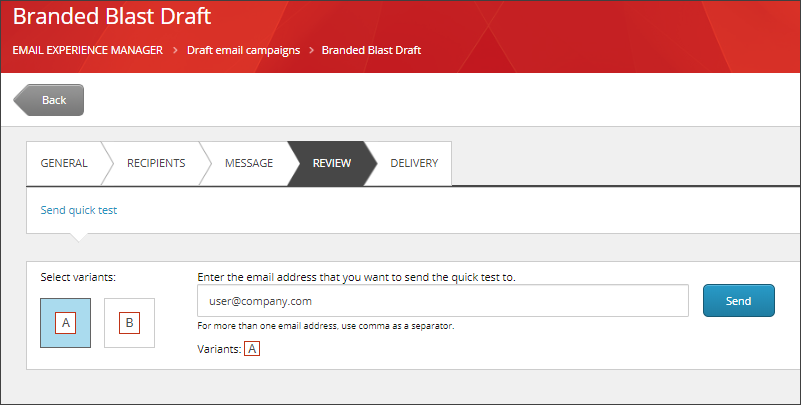
In EXM, open an email campaign and click the Review tab.
-
If your email message has multiple variants, select the variants to include in the test.
-
Enter one or more email addresses. Separate multiple email addresses with a comma.
-
Click Send and review the email message in the relevant email inbox.