Add a Promo rendering
You can use the Promo rendering to highlight important content on your page, for example, to promote videos of your products or an upcoming event, or to point to the latest jobs on the careers page.
By default, the Promo data source items contain a text field, an image, and a link. The Promo rendering can have rendering variants.
To add a Promo rendering:
-
In the Experience Editor, open the toolbox.
-
From the Page Content section, drag and drop the Promo rendering on the placeholder that you want to add the Promo rendering to.
-
In the Select the Associated Content dialog box, select the promo that you want and click OK. Alternatively, click Create to create a new Promo rendering.
-
To select a rendering variant, in the floating toolbar, in the Variant list, select the variant you want.
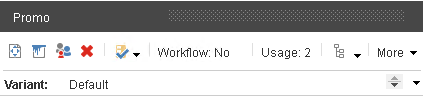
-
To apply styles to the Promo rendering, in the Styling section, select a style and click OK.
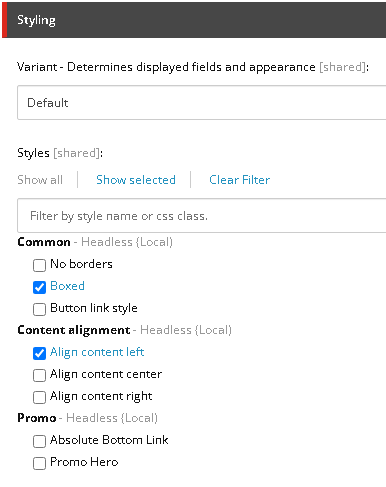
You can create the Promo rendering before or while adding the Promo rendering to your page. It is stored in the following location:
Sitecore\Content\<tenant>\<site>\Data\Promos