Configure a message setting
Version:
You can configure message settings either on a specific message or on a message type level.
To configure a specific message:
-
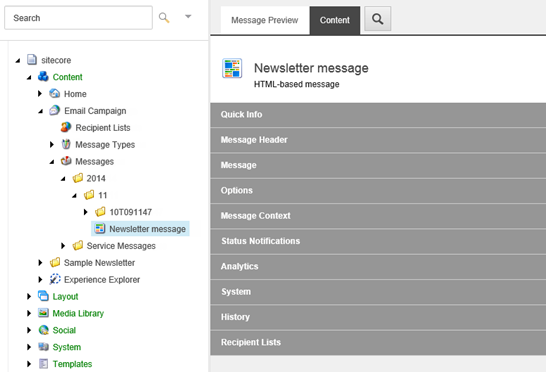
In the Content Editor, click Sitecore/Content/Email Campaign/Messages.
-
In the Messages folder, select the specific message that you want to configure and then click the Content tab on the right.
-
Edit the relevant settings and save the message.
These settings apply to the selected message only.
To apply general settings to all messages of a particular type, set up the default parameters for a particular message type.