Enable the multilanguage message functionality
Version:
The Email Experience Manager lets you send messages to recipients in their preferred language.
Note
The preferred language of the recipient is defined by the Preferences facet of a contact.
You must add the languages that you want your marketers to be able to choose from when they create a new language version of a message.
-
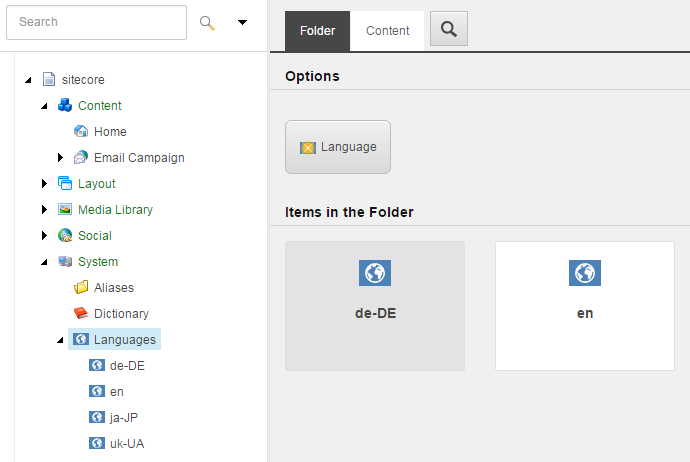
To change the range of available languages, edit the list of master languages in the /sitecore/System/Languages folder.
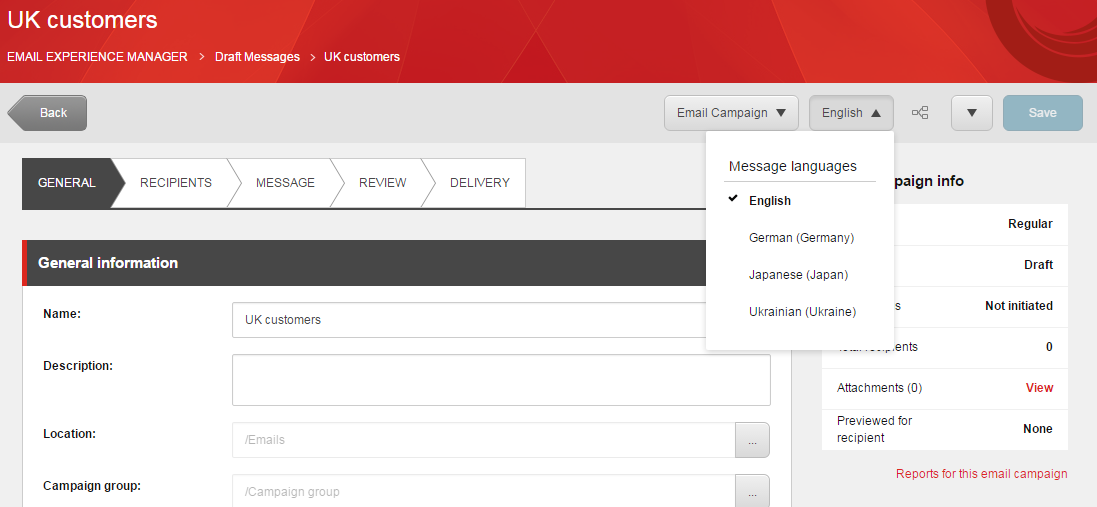
When the marketer creates or edits a message, they can create a new language version of a message from the Message languages drop-down menu.