Enabling the multilanguage message functionality
Version:
The Email Experience Manager lets you send messages to recipients in their preferred language. You must add the languages that you want your marketers to be able to choose from when they create a new language version of a message.
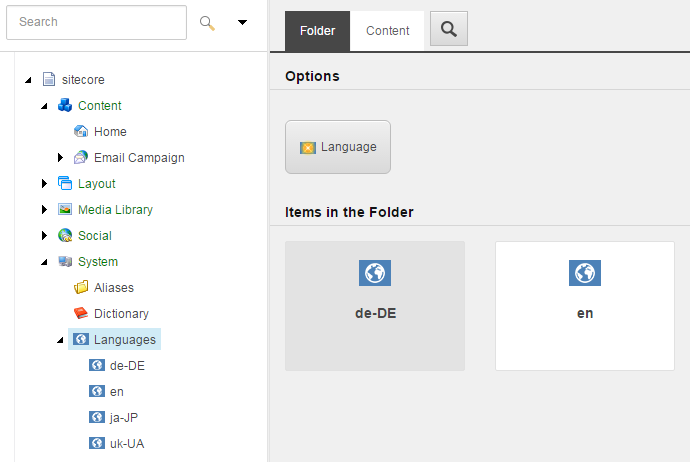
- To change the range of available languages, edit the list of master languages in the
/sitecore/System/Languagesfolder.
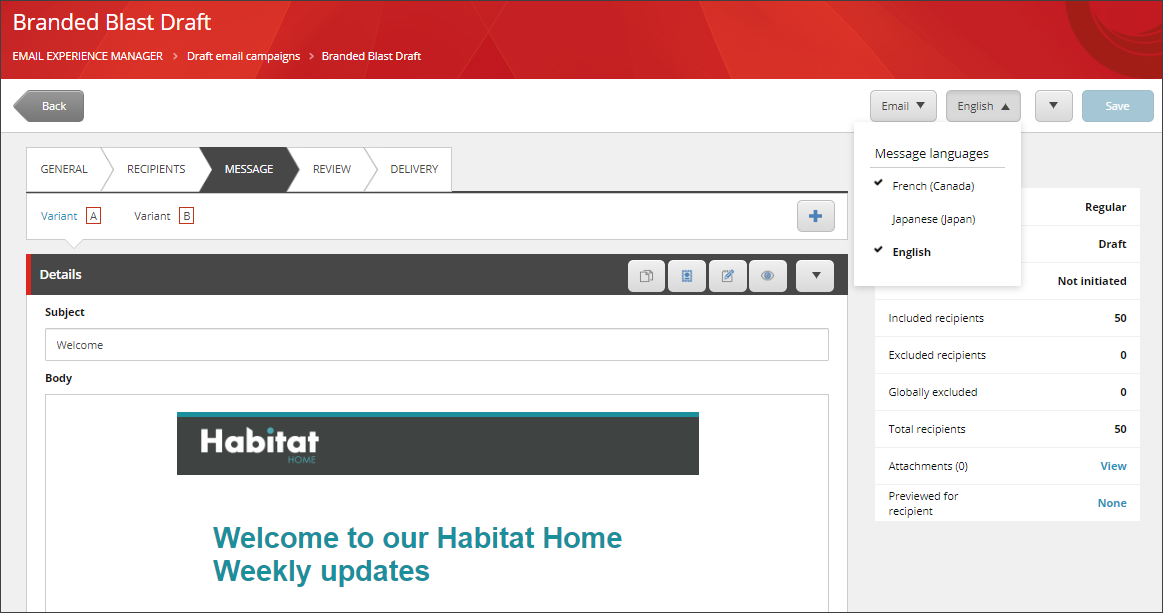
When marketers create or edit a message, they can create a new language version of a message using the Message language drop-down menu.
If you have suggestions for improving this article, let us know!