Include a link to the online version of a message
Version:
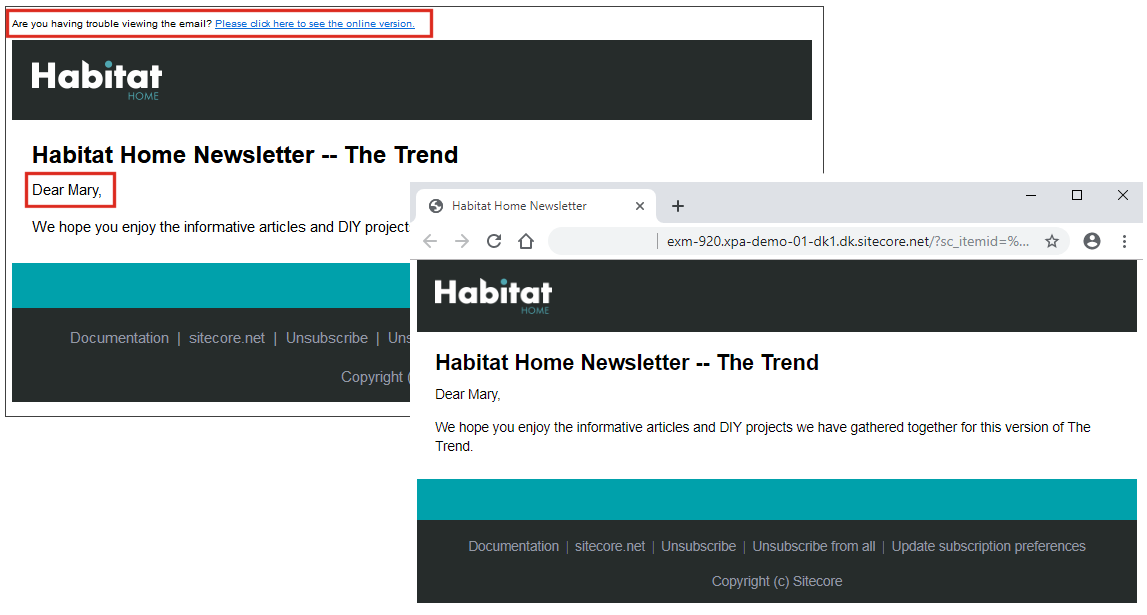
You can add a link to the online version of a newsletter or email so that recipients can view the content in a browser or share a link to it. Use the sample newsletter template as your model. The sample newsletter template file Header.cshtml is located at sitecore modules\Web\EXM\layouts\SampleNewsletter and contains an example of how you can insert a link to the online version of a message:
The online version of an email message:
-
is created automatically when the message is created.
-
is personalized – all the tokens in the message are replaced with the relevant values.
-
does not contain a link to the online version. EXM recognizes an online copy automatically and does not render controls that are not relevant.
If you have suggestions for improving this article, let us know!