Download or share completed orders
You can see all your download orders along with their status on the Downloads page and, if you'd like, you can download completed orders as a ZIP file or share the orders with others by email.
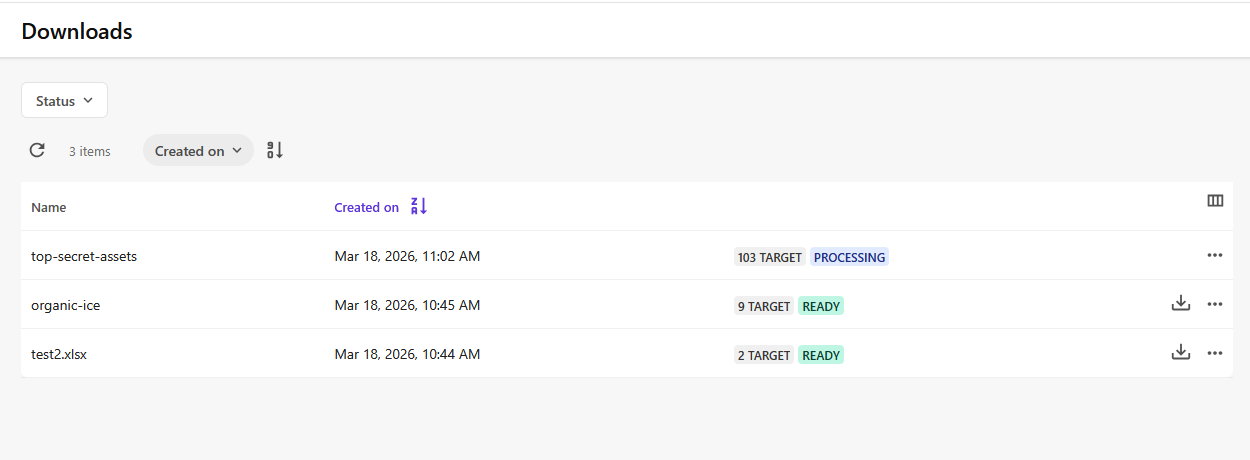
To download or share completed orders:
-
On the menu bar, click Profile and settings >
 Downloads.
 -
On the Downloads page, next to a download order, do any of the following:
-
To download the order, click Download order
. -
To share the order by email, click More actions
 >
>  Share via email .
-
Note
To delete an order, click More actions > Delete .
Important
By default, download orders are available for 30 days.