Edit a full details page
The Full page edit feature lets you edit all metadata fields on a details page at the same time, instead of updating one at a time.
This feature is only available after a superuser has added the full page Edit operation to an Entity operations component on a details page.
To edit a full details page:
-
On the menu, click an item, such as Assets.
-
On the item page, for example, on an Assets page, click the item you want to edit to open its details page.
-
On the details page, click Edit
 .
.In the following example, the
Edit button is in the top right corner of the Assets details page.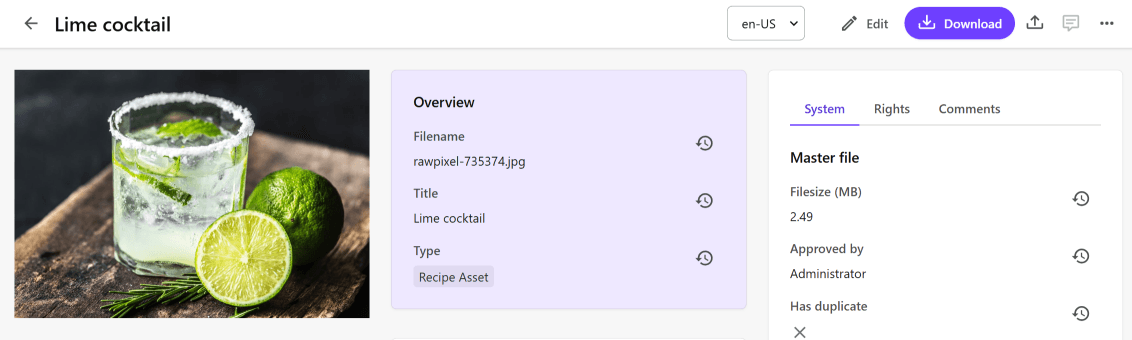
When in edit mode, read-only fields and member groups remain read-only, and fields with visibility conditions appear or disappear in real time, as conditions are met or unmet.

When you modify non-navigable relations, the changes are saved immediately. You might see a confirmation dialog.