Start the component personalization
Start the component personalization to set it live and make your component variants available to visitors.
Before you begin
-
Make sure the page containing the component is published.
To start the component personalization:
-
In the Page builder Editor mode, open the page containing the personalized component.
-
In the right-hand pane, click Start.
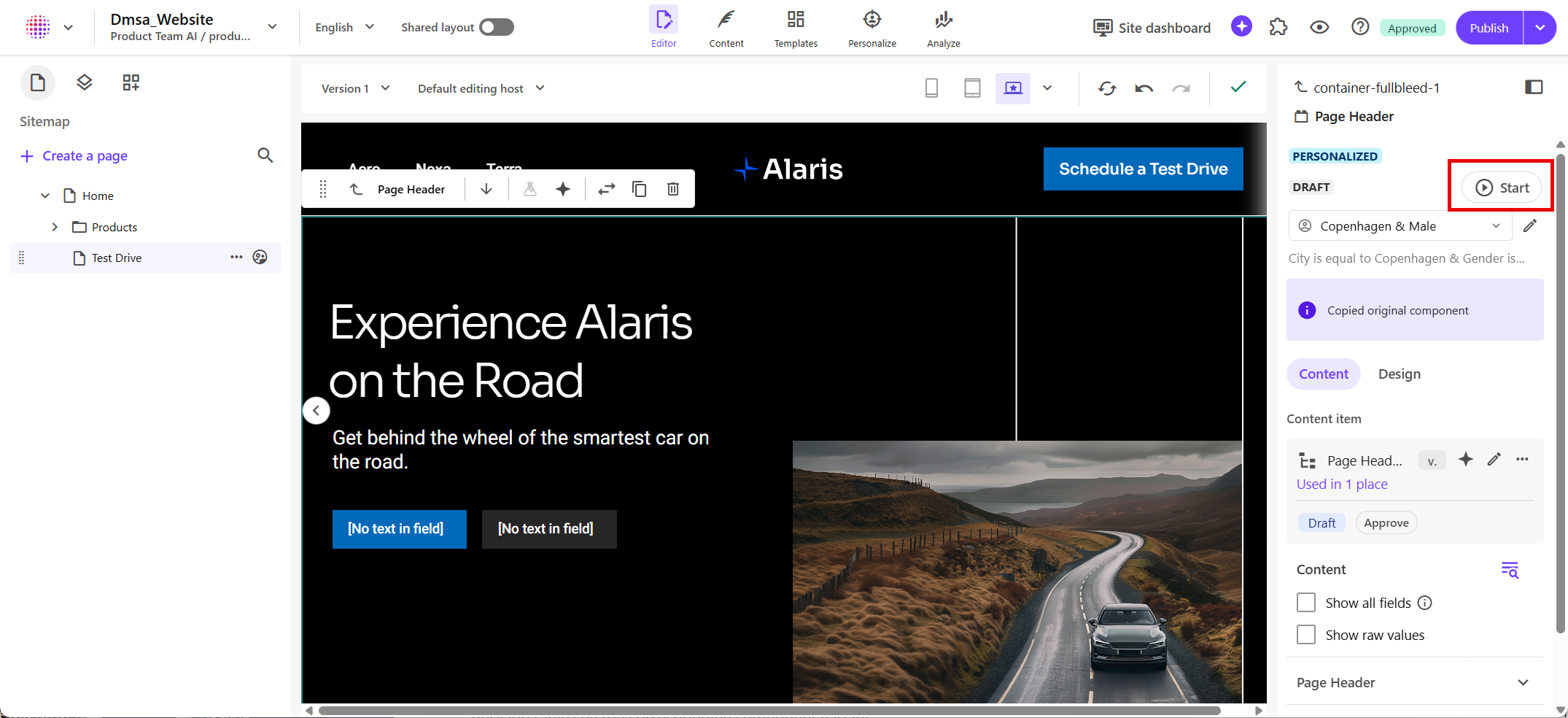
After you start the personalization, its status changes from Draft to Live. Visitors who match the rules in your decision table see the corresponding component variant.
Note
To temporarily stop a live personalization later, see Pause the component personalization.
Analytics data becomes available as visitors begin seeing your live personalization.