Log in to Experience Platform
To work on your website, you must log in to Sitecore and select the application you want to work in.
Log in to Experience Platform
To log in to Experience Platform:
On the Launchpad, you see an overview of the applications that are available to you as well as the Custom Analytics pane. By default, this pane displays two reports: Interactions by visits and value per visit and Top five campaigns by visit.
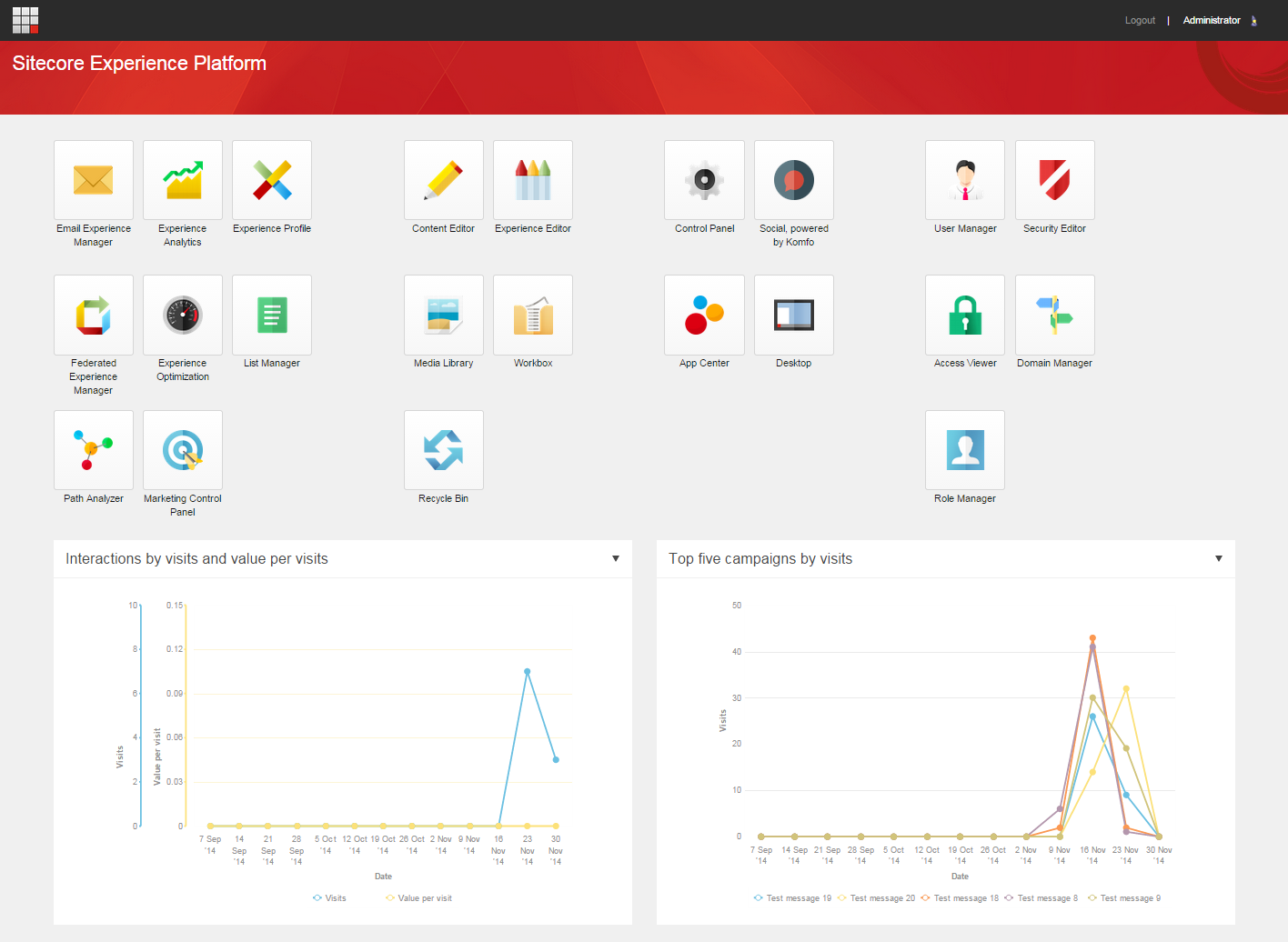
-
In a browser, enter the name of your website followed by /sitecore in the address field (for example, http://www.mywebsite.net/sitecore).
-
On the login page, enter your user name and password, and click Log in.
NoteThe first time you log in to Sitecore, you should change your password in the Control Panel to one that you know and can remember.
-
To change the view of the reports, click the down arrow for a report and click another view.
-
Click the application that you want to work in.
NoteThe applications that are available to you on the Launchpad vary depending on your role and access rights.