Configure the parameters in the SIF configuration files
The SIF configuration files are templates that are the basis for deploying various Sitecore Experience Platform configurations with support for:
- Creating an IIS Application Pool.
- Creating an IIS website.
- Installing Web Deploy Packages.
- Configuring File Permissions.
You must review and configure the default parameters in each of the SIF configuration files for your topology.
To configure the parameters in a SIF configuration file:
-
In a text editor, open the relevant SIF configuration file, for example
sitecore-solr.json, and find theParameterssection. -
Check whether you need to change the default value of each parameter, if it has one. If there is no default value, consider if you want to add one. When you run the installation, any parameter that does not have a default value prompts you for that information.
The configuration files contain a description for each parameter.
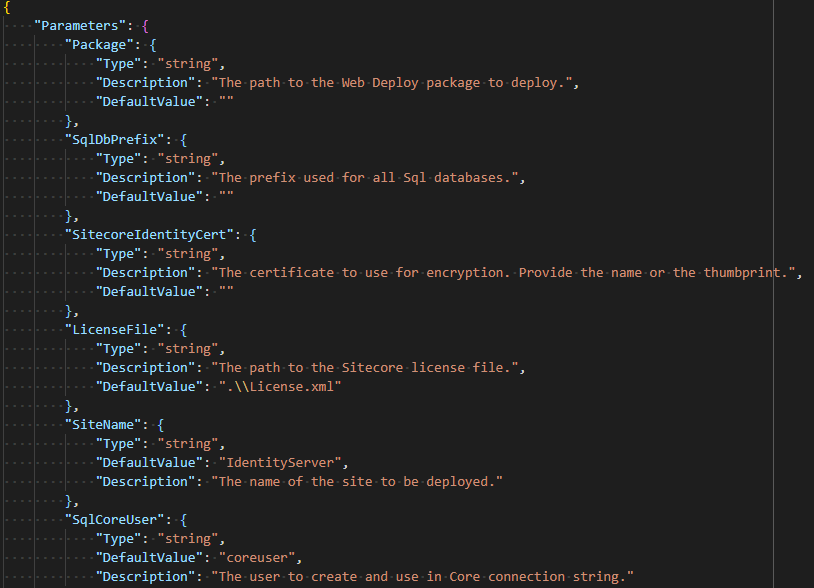
The following screenshot shows a snippet of a
Parametersblock from a configuration file: