The general settings for an email campaign type
Version:
The EXM component provides two message types:
- Regular message
- Automated message
The email campaign types are located in /sitecore/content/Email/Message Types.
To configure the general settings of the email campaign types, edit the Default item in the corresponding folder.
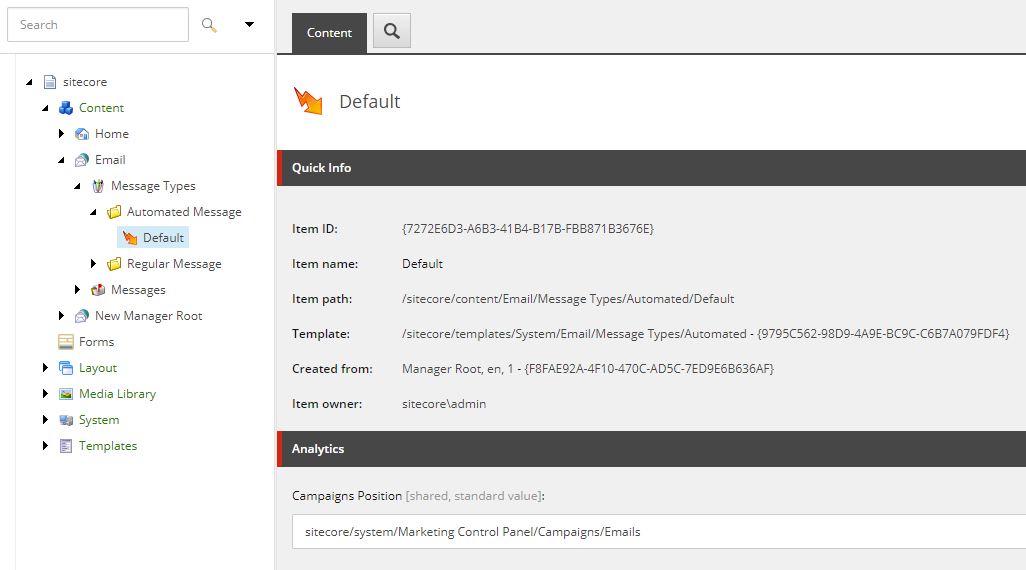
The Default items contain the following setting:
- Campaigns Position – The default campaign category that stores campaigns related to the message type. Marketers can change this value in the EXM interface.
If you have suggestions for improving this article, let us know!