Accessing the Workspace
Version:
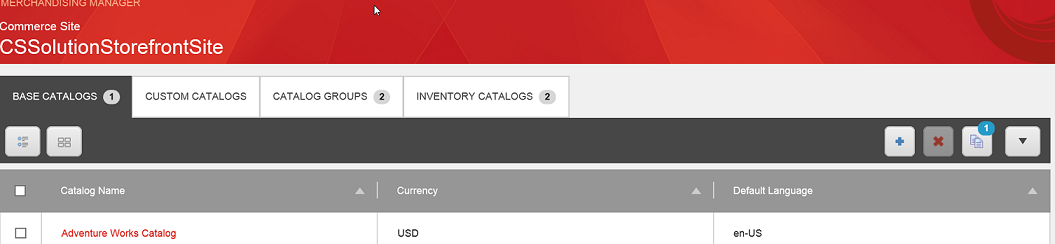
You can access the Workspace from the main Merchandising Manager dashboard on the Base Catalogs tab, the Custom Catalogs tab, the Products tab, the Categories tab, the Details tab on the Products and Category pages, and from search results.
-
On the Merchandising Manager dashboard, click the Workspace icon (the icon is an image of two documents on top of each other).
The Workspace page opens.