Editing product variants with the Workspace
Version:
You can edit product variants by using the Workspace.
To edit a product variant in the Workspace:
-
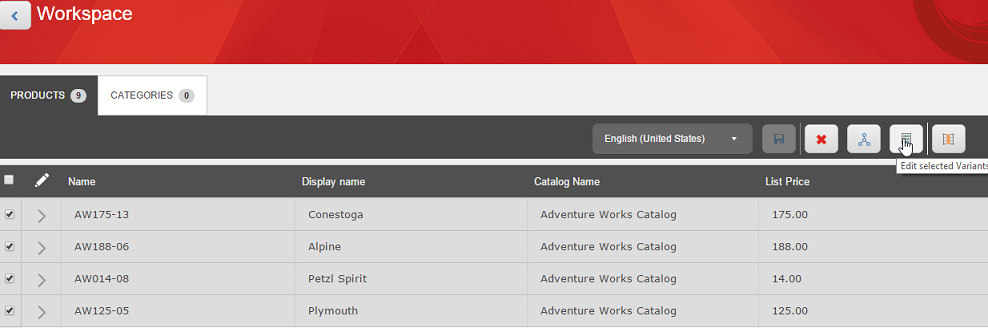
Select Products.
-
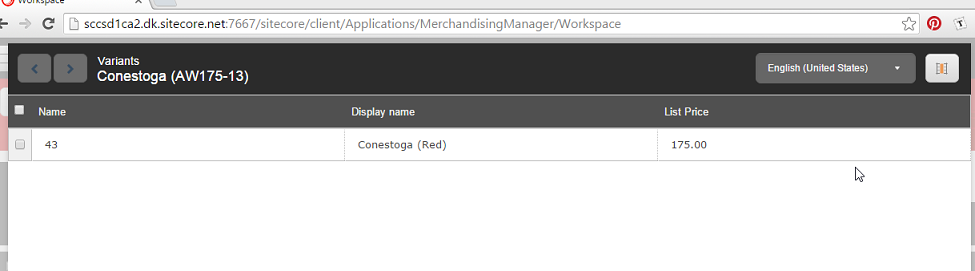
Click Edit Variants. The variants page for that product will open.
-
Make your updates, or cycle to the next or previously selected product.
-
When you are done, save your changes on the main Workspace page.