Search
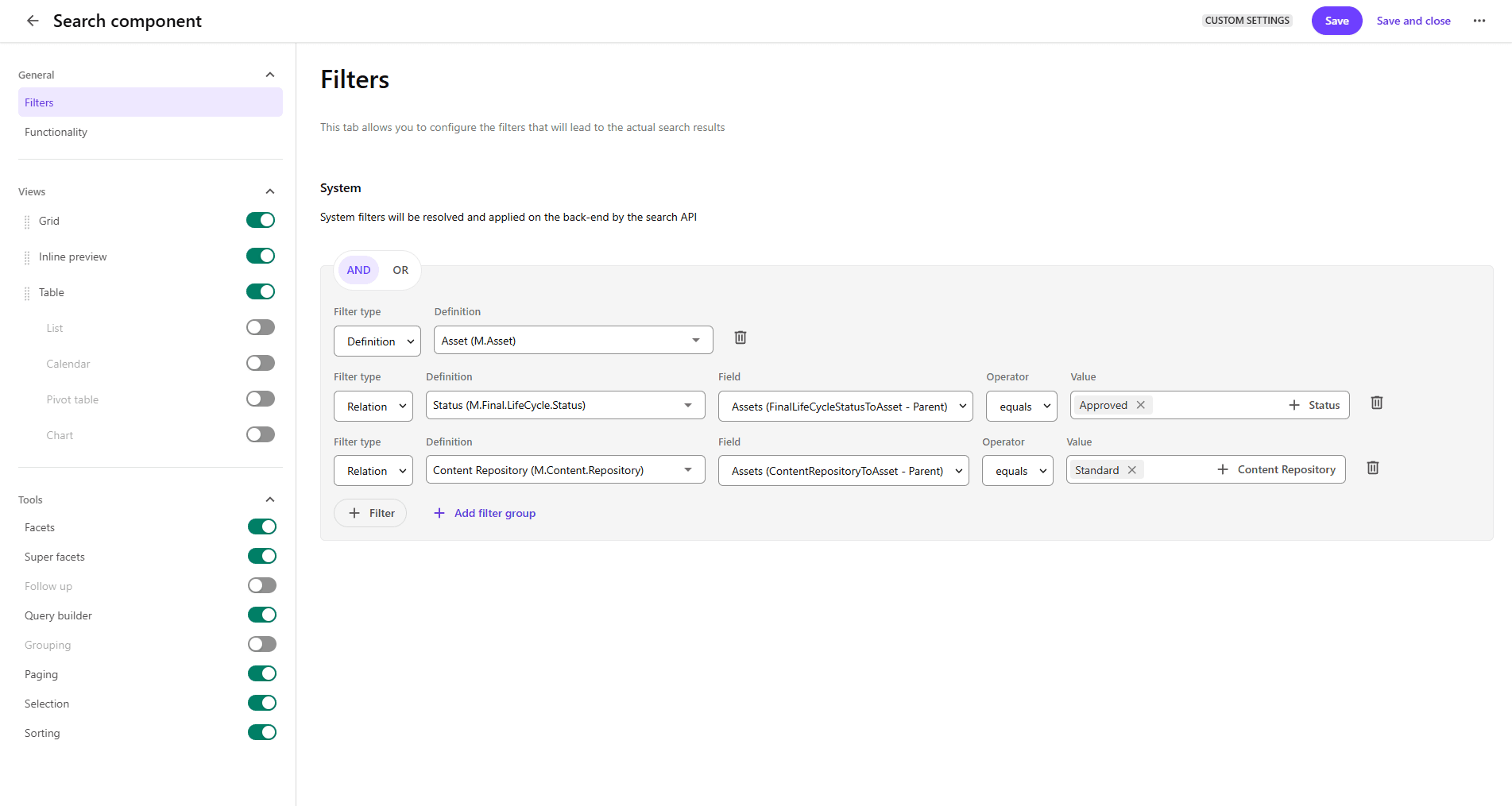
Customize the Search component to help users quickly find what they need by specifying which fields and filters are displayed and configuring the appearance of search results. You do this by modifying the settings available in the following sections of the Search component details page.
Do not put a Search component on a hidden tab if it is linked to a Creation component. Instead put the Search component in the MAIN ZONE of the Layout page.
General
This section lets you configure search filters and search functionality.
Views
This section provides the ability to configure how search results are displayed. Various views are available including Grid, Inline preview, and Table (including List, Calendar, Pivot table, and Chart). You can configure each view using the options available on the associated tab. Which options are available depend on the view.
Tools
In the Tools section, you can configure:
-
Facets and super facets
-
Follow up
-
Query builder
-
Grouping
-
Paging
-
Selection
-
Sorting