
Navigating Sitecore Send
When you log in to Sitecore Send , you'll notice the menu bar at the top of the screen. This is where you can access all the different sections of the platform and navigate between them.
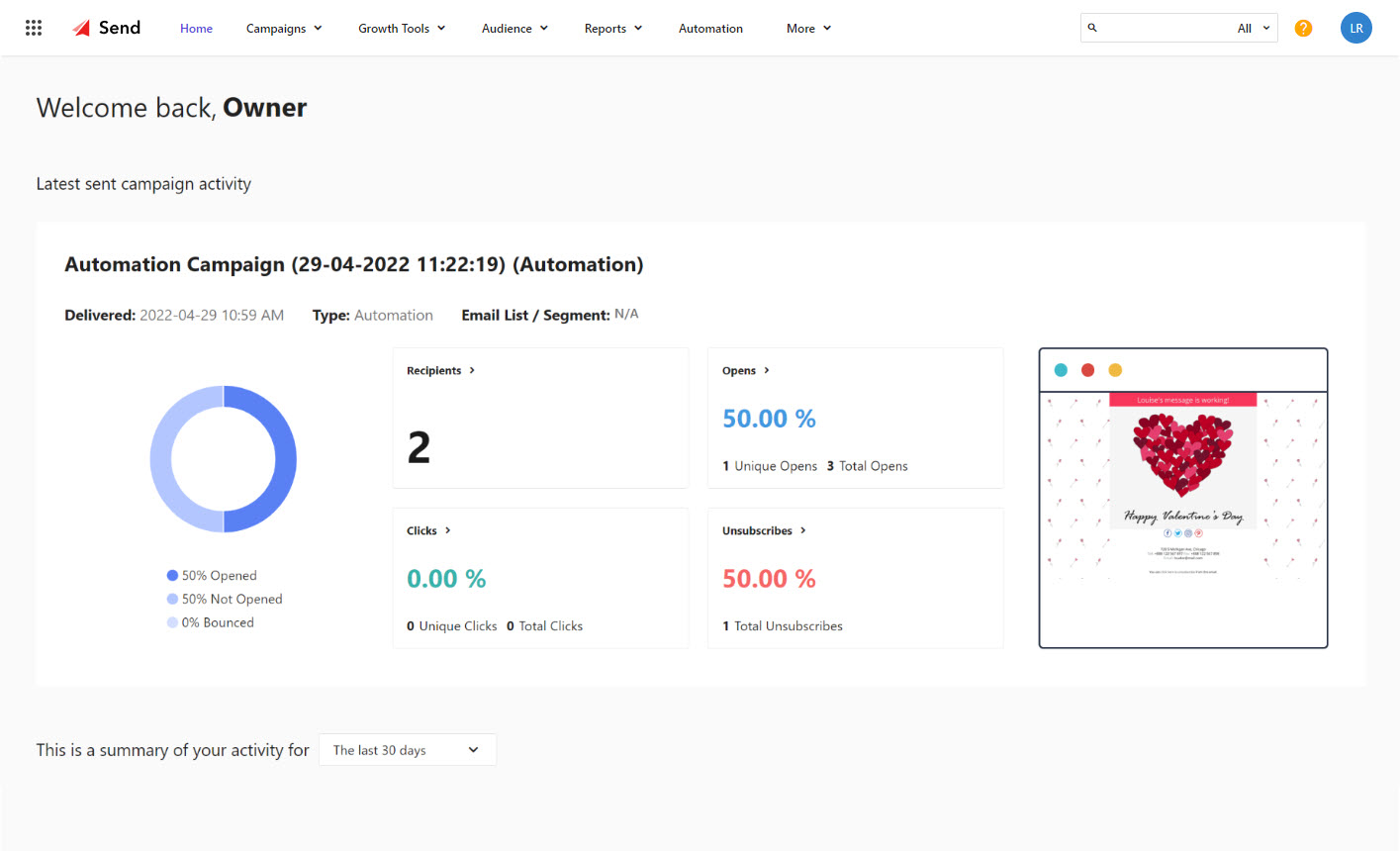
You'll also see a dashboard displayed by default. If you haven't sent out any campaigns yet, you'll see the onboarding dashboard, which is designed to help you get started. However, after you've sent your first campaign, the main dashboard will be displayed, showing your latest campaign's performance and important metrics.
The following table describes of how to access the Sitecore Send features. The items you can access depend on your account role and permissions.
| UI element | Description |
|---|---|
 | Click to switch between your Sitecore apps. |
 | Displays the Sitecore Send logo by default. You can customize the platform logo under More > Settings, and then click Branding. |
| Home | Click to return to the main dashboard. |
| Campaigns | Click to create, edit, or view: regular, RSS, repeatable HTML, and A/B testing campaigns. |
| Growth Tools | Click to create, edit, or view landing pages and subscription forms. |
| Audience | Click to access email lists or segments in your email lists. |
| Reports | Click to view statistics in default campaign reports and any custom reports you created. |
| Automation | Click to create automations using recipes or build your own custom automations. |
| More | Click to access:
|
 | Use the search bar to easily find any campaign, landing page, form, lists, segments, members, and custom reports in your account. |
 | Click to access help topics from the Sitecore Send documentation site. |
 | Click to access:
|
If you have suggestions for improving this article, let us know!