Add a parent item for target items
Version:
The data synchronization process creates a Sitecore item for each row in the text file. These target items represent, for example, the cities described in the text file. The data synchronization adds the city items as child items under a Sitecore parent item.
You must create the parent item before the synchronization can create the child items.
To add a parent item:
-
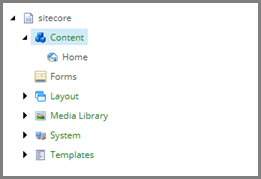
In the Content Editor, navigate to /sitecore/Content.
-
On the ribbon, on the Home tab, in the Insert group, click Insert from template.

-
In the Insert from Template dialog, in the Template field, select Templates/Common/Folder. In the Item Name field, enter Cities.
-
Click Insert.
