Add a pipeline to sync a single row from the source file
Version:
The synchronization process you are modeling consists of two pipelines. The first pipeline reads data from a source object, which is a text file. The second pipeline handles a single row from the text file.
Because the first pipeline calls the second pipeline, you must configure the second pipeline before you can configure the first.
To add the pipeline that handles a single row from the text file:
-
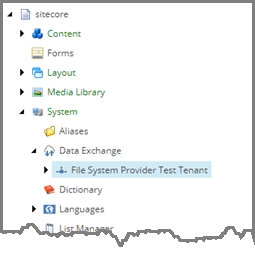
In the Content Editor, in the content tree, select the tenant. Navigate to Pipelines.
-
Navigate to Pipelines.

-
In the right-hand pane, on the Folder tab, click Pipeline to add a new item and name it City Info from File to City Info Item Sync Pipeline.