Manage lists
Version:
When you open the List Manager, the dashboard gives you a quick overview of the lists that are available in Sitecore.
In the List Manager menu, in the Lists section, you can click a menu item to see a list of all:
- Recently created lists – displays all recently created lists from the top.
- My lists – displays the lists created by the logged in user or where the logged in user is specified as the owner.
- Contact lists – displays all the contact lists.
- Segmented lists – displays all the segmented lists.
- Saved segments - displays all the saved segments.
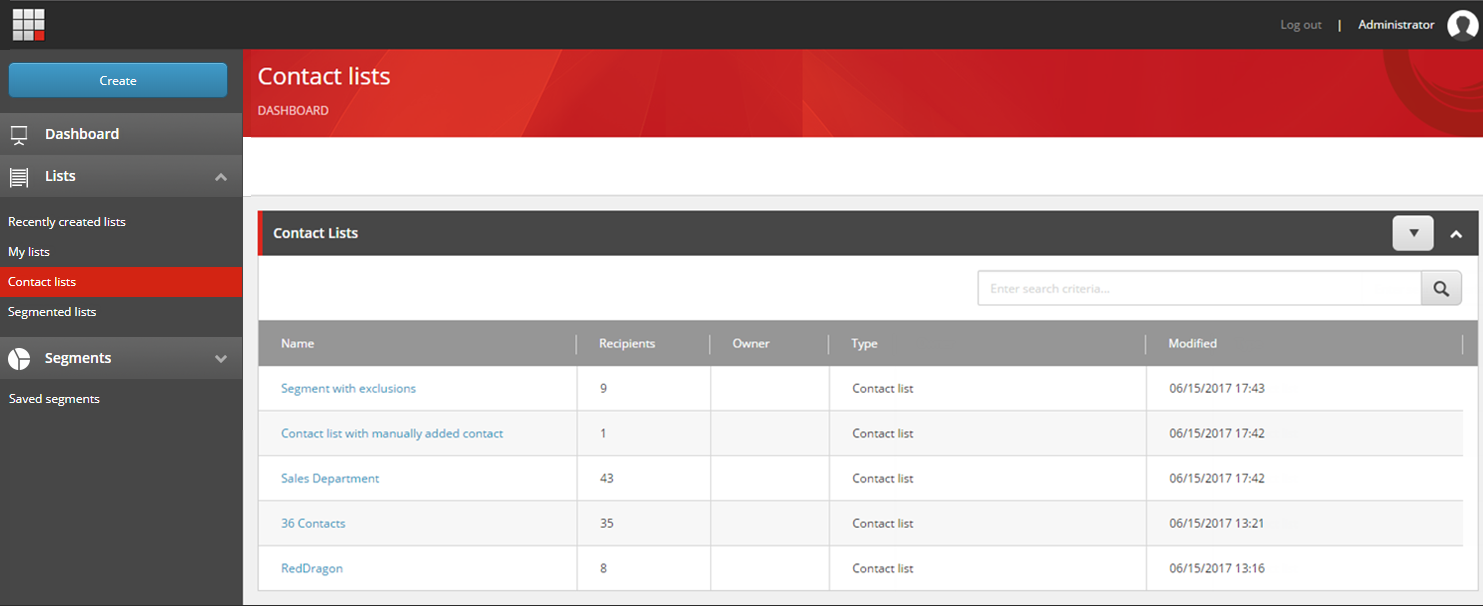
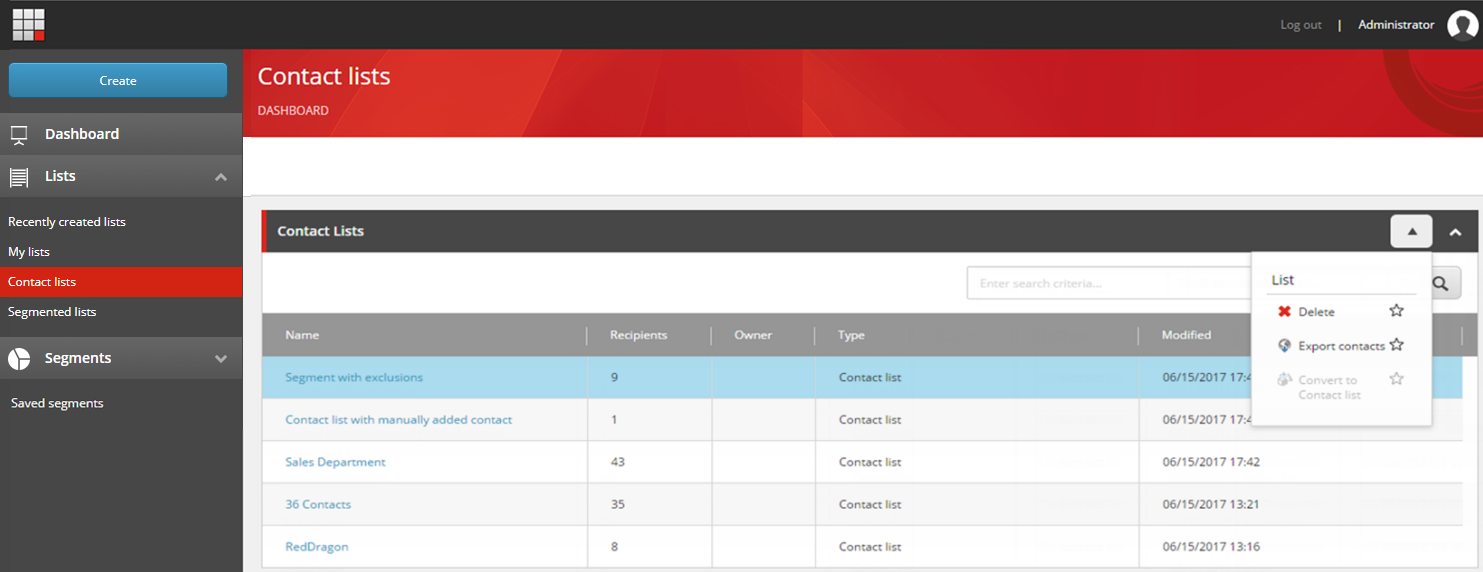
From each of these lists, you can click the name of the list to open it. In addition, if you, for example, want to delete or export a list, you can click the list row and then click the drop-down arrow. Depending on the type of list that you click, different options are enabled in the drop-down menu. The options are:
- List
- Delete - delete the list.
- Export contacts - export the contacts that are included in the list to a CSV file.
- Convert to contact list - convert a segmented list to a contact list.
If you have suggestions for improving this article, let us know!