Add and remove columns with Column Options
Version:
To launch Column Options, click Column Options on the far right of the Workspace toolbar. When the Column Options window opens, you can move columns from Available columns and Selected columns by using the right and left arrows, or by dragging-and-dropping. You can arrange the order of the columns listed in Selected columns by using the up and down arrows, or by dragging and dropping.
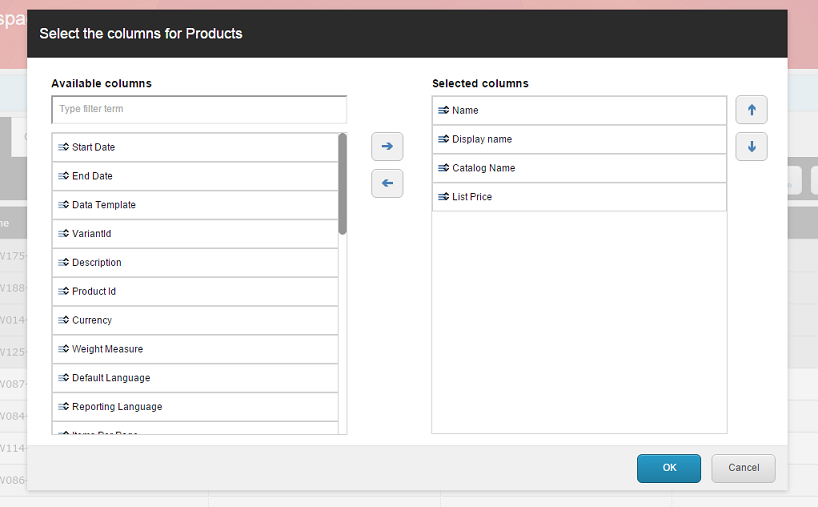
When you have finished making changes, click OKto save them. Cancel will close the Column Options tool without saving any of your changes.
After you have made and saved changes in the Column Options tool, the main Workspace page will automatically refresh to show your changes.