Add items to the Workspace - search results
Version:
You can add items to the Workspace with search.
-
In the Merchandising Manager search bar, type your search term or SKU number. You can search multiple SKUs in a comma-separated list.
-
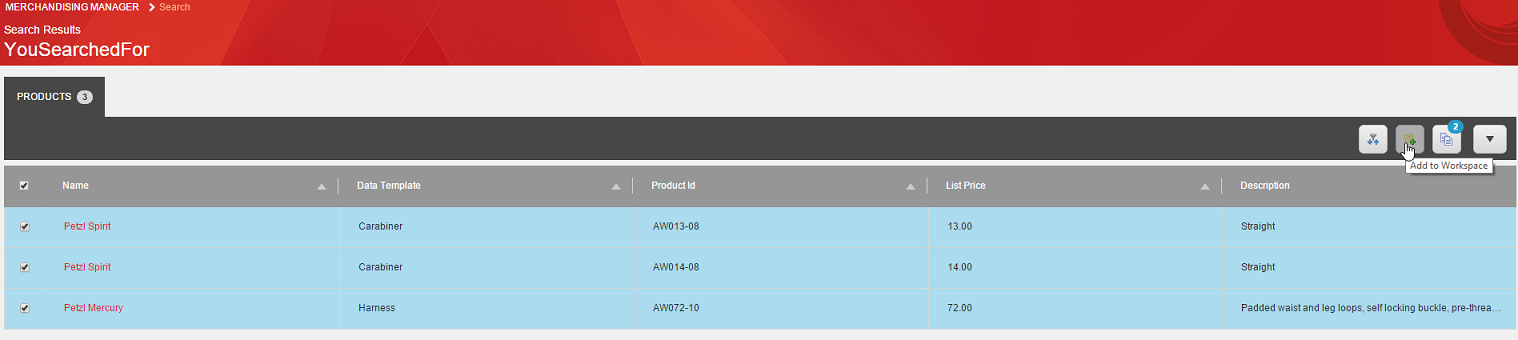
Select the items you want to add to the Workspace from the search results.
-
Click Add to Workspace.
The Workspace icon shows how many items the Workspace contains.