Customizing the Variants columns
Version:
You can select what information is shown in the Variants columns.
In the Workspace:
-
Click Column Options.

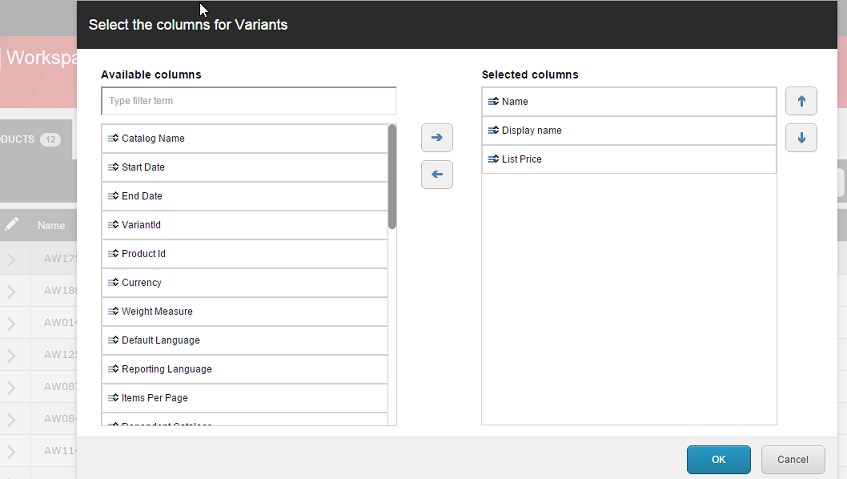
Columns Options opens, showing the available columns and the selected columns.
-
From the Available columns list, select the columns you want to view.
-
Use the arrow to move them to the Selected columns list. You can also remove items from the Selected columns list.
-
In the Selected columns list, use the arrows to move items up and down the list.