Fixing relationships issues
Version:
The Workspace alerts the user if there are issues with any relationship changes they have made.
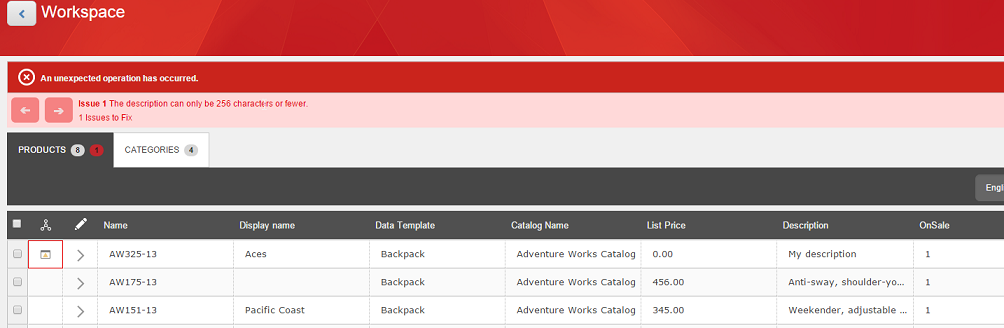
If you have made changes to product or category relationships that have resulted in issues, click on the error navigation aid in the Workspace. A new column will show you if there is a relationship error.
Click the new column area to go to the relationship issue that needs to be fixed. Any changes made to the area with the error will highlight the area in blue. This is to show that you have made changes, to validate or check the fix.