Split tests reports
The Split tests section in the Analytics section of the Customer Engagement Console (CEC), contains reports on split tests run over a selected time period. You can drill down to a particular split test for detailed results and analysis.
In this section, you can access the following reports:
- The Split tests explorer report - lists all the split tests run over a selected time period. You can click to drill down to a specific split test for its detailed report.
- The Split test results report - gives a detailed overview of a split test, tested widget variations and results.
Split tests of multiple variations
Split tests of multiple variations
When you test more than two variations, all variations are run against the first variation because tests are always run between two variations.
In a Split test report, use the drop-down menu above the Split test overview report to select a variation for its test results.
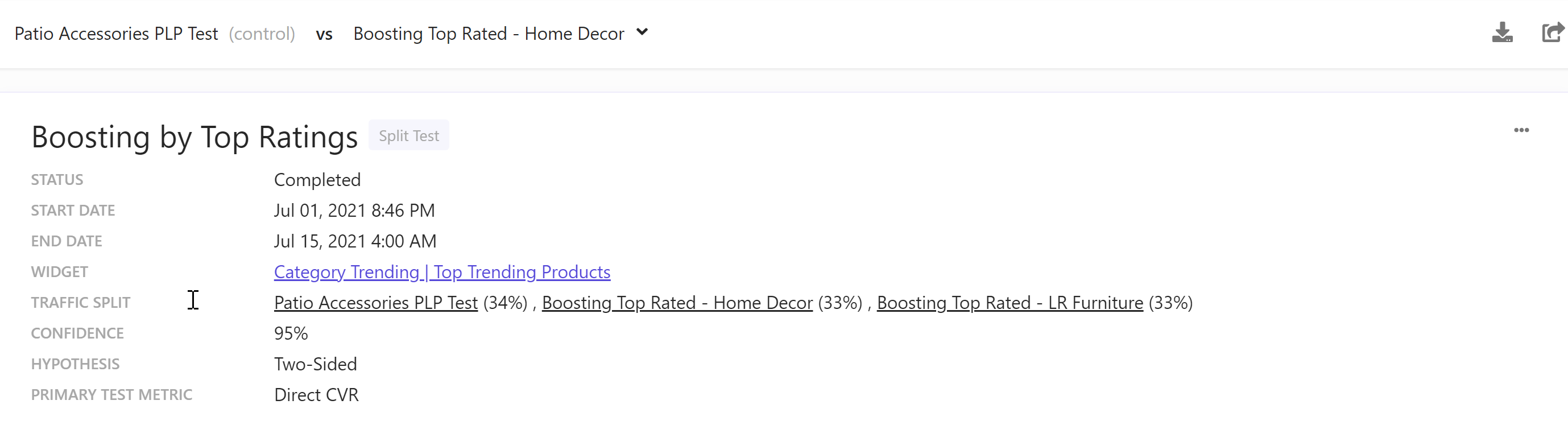
This drop-down menu is only available for tests with more than two variations.
If you have suggestions for improving this article, let us know!