Delete an offer template
You can delete an offer template when you are certain that no other users need it.
Team members with a User, Developer, or Admin role in Sitecore Cloud Portal can delete an offer template.
To delete an offer template:
-
From the Offer templates page, open the template you want to delete.
-
Click
 > Delete Template.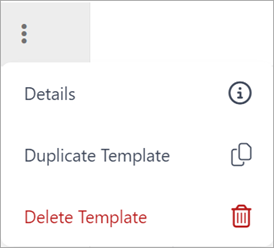
-
In the confirmation dialog, click Delete. The offer template is deleted and is no longer available from the Offer templates page.
If you have suggestions for improving this article, let us know!