View web template details
You can view the details of a web template including when and who last saved it, along with the ID that was created.
Team members with a User, Developer, Admin, or Read only role in Sitecore Cloud Portal can view web template details.
To view the web template details:
-
From the Web templates page, open the template you want to view.
-
Click
 > Details.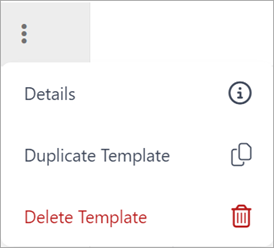
-
In the Details pane, you can see the following information:
- Last Updated By - this displays the username, date and timestamp of when the web template was last saved.
- ID - this displays the ID that was automatically created when the user created the web template. You can optionally use the ID to reference this record when programmatically referencing the template.
If you have suggestions for improving this article, let us know!