The simple field types
Field types determine the type of data that can be accepted for a field. As a developer, you build components that content authors can use in Pages. In the Pages Builder, authors can edit content and properties (for example, change the associated content value or edit the visual styling) of components that include the following simple field types.
Checkbox
This field type lets the user turn on or select a particular option. If the check box is selected, a value 1 is stored, or otherwise a blank value is stored.
Do not compare the value of a check box field against NULL, String.Empty, 0 (the number zero), or any value other than 1.
File
This field type lets users select an item in the Media Library. You can use the Source property of a File field to specify the media folder selected when the user opens the Media Browser, or to specify the root item for the selection interface.
- The default Source for the File field is the root item in the Media Library (
/Sitecore/Media Library). If the Source property of a File field specifies an item, the Media Browser cannot navigate above that item. - If the Source property of a File field starts with a tilde character (~), for example,
~/Sitecore/Media Library/Files, the Media Browser shows the entire Media Library content tree with the specified media folder selected, allowing the user to navigate above that media folder.
Date and Datetime
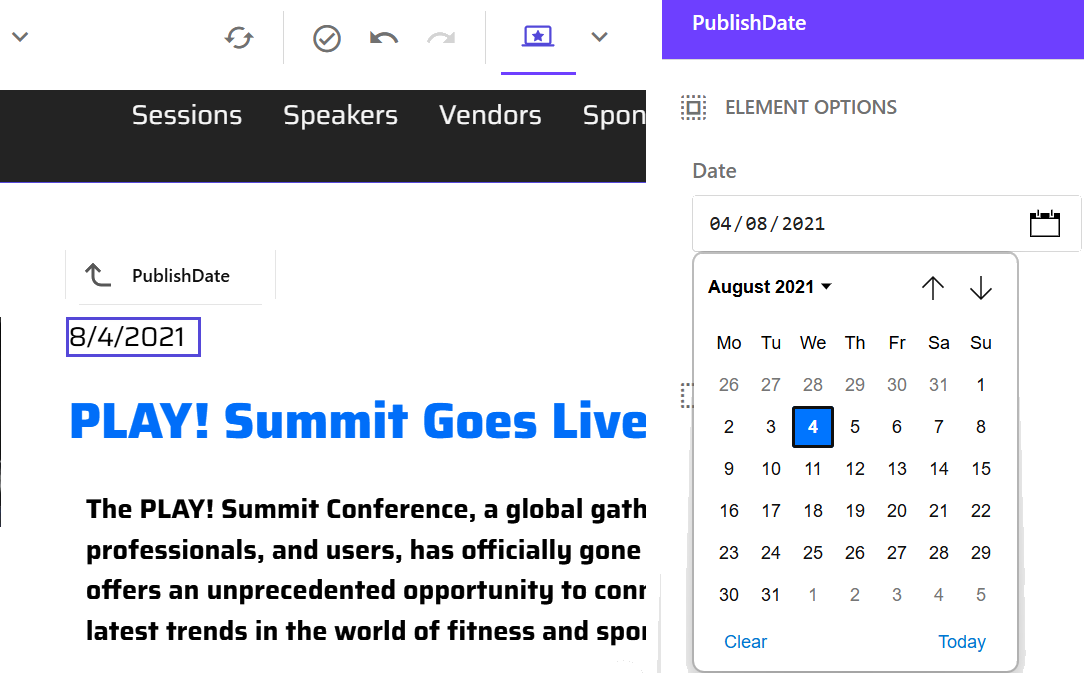
The Date field type provides a calendar-based interface for selecting dates, while the Datetime field type lets you select both a date and a time.
Date and Datetime values are stored in UTC and displayed in the server timezone, consistent with how values are handled in the Content Editor.
The Page builder provides additional transparency through tooltips and an expandable Details accordion that show the local, server, and UTC times and clearly indicate when the server timezone differs from UTC.
Image
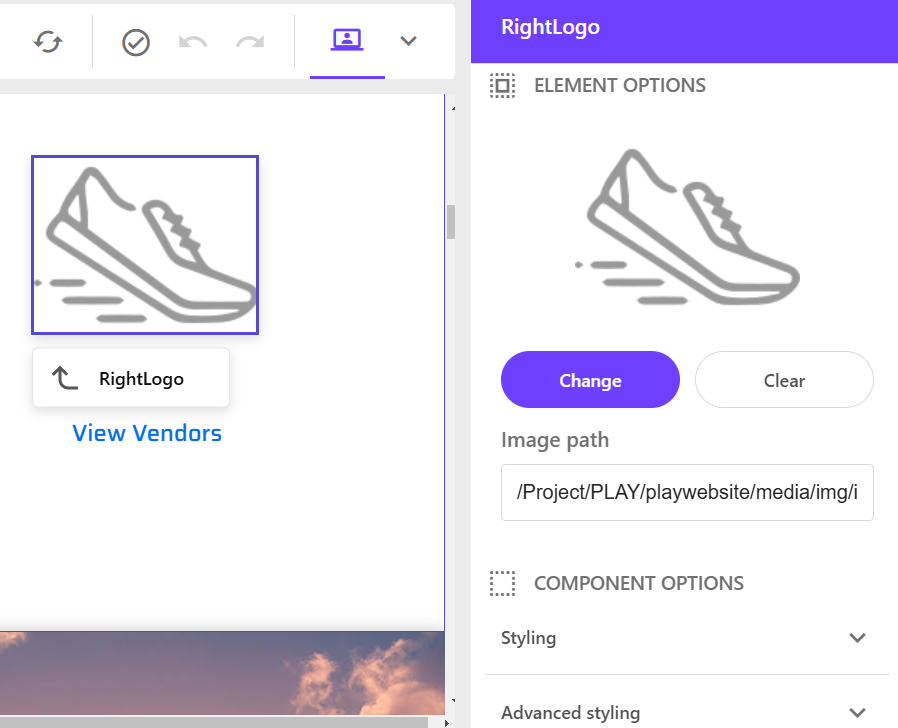
This field type lets users select an image from the Media Library or upload it from a local machine. Users can add or upload .jpg, .jpeg, .png, .gif, .webp, .svg, or .bmp image formats. They can then edit image properties in the right-hand pane.
Integer and Number
The Integer field type only accepts whole numbers while the Number field type accepts whole numbers and fractions (decimal points). A decimal separator must be entered as a period (.) regardless of the language. Do not use commas (,) or other separators, such as 1,000.00. Numbers and Integers cannot be bigger than 9007199254740991 or smaller than -9007199254740991. A number with more than 5 decimals will be automatically rounded.
Single-Line and Multi-Line Text
- Single-Line Text - this field type lets users edit a single line of text within the Pages canvas itself.
- Multi-Line Text - This field type lets users edit text values spanning multiple lines within the Pages canvas itself.
For html support, use a Rich Text field instead.
Rich Text
This field type provides an editor toolbar that lets users style page content using options like bold, italics, underline, or font color changes. Any component that has this field type is editable in Pages. For example, you can edit text after adding a rich text component to Pages .

Link field types
Link field types let users enter links to items, external URLs, anchors, email addresses, and JavaScript functions.
General Link
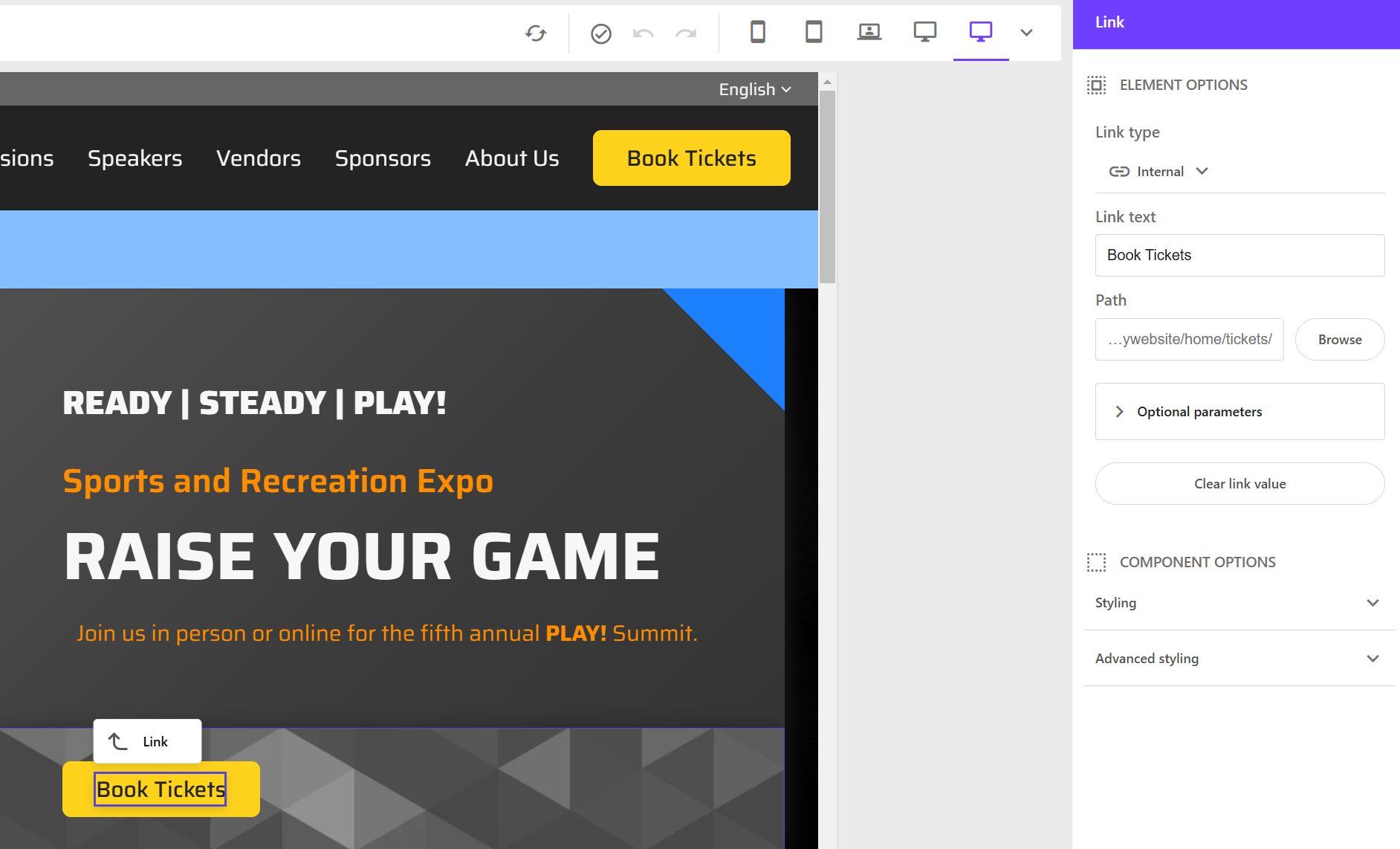
The link field type lets users edit the link title and type of link (internal, external, or media). Any component that has this field type is editable in Pages. For example: adding a link component to Pages.
Droplink and Grouped droplink
The Droplink field type lets the user select a single item from the list specified by the Source property of the field using a drop-down list. The Droplink field type stores the GUID of the selected item.
The Grouped droplink can display the field’s options in categories.
List field types
Each List field type lets users select one or more items using different user interfaces providing different features. The Source property of the field specifies the options in the list.
If the Source property specifies an item, the Checklist, Droplist, and Multilist fields display the children of the specified item, and the Droptree, and Treelist field types starts the tree's root at the specified item.
The Source property of the Checklist, Droplist, Droptree, and Multilist field types support Sitecore query.
The Checklist, Droptree, Multilist, Treelist, and TreelistEx field types store the GUIDs (Global Unique Identifier) of the items selected by the user separated by a pipe character (|).
Droplist and Grouped droplist
This Droplist type lets users select a single item from the list specified by the Source property of the field. The Droplist field type stores the name of the selected item.
The Grouped droplist can display the field’s options in categories.
Checklist
This field type lets users select one or more check boxes representing the children of the item specified by the Source property of the field. The Checklist field type stores the GUIDs of the selected items. Users cannot re-order their selection.
Multilist
This field type lets users select one or more items from the list specified by the Source property of the field. Users can sort the selected items. You can learn more about adding the multilist with search field, and configuring the Source property.
Treelist and Multiroot Treelist
The Treelist field type lets users select one or more descendants of the item specified by the Source property (single parent) of the field whereas the Multiroot Treelist lets users select multiple parent nodes with multiple descendants of the items. Users can sort the selected items. Both the Treelist field and Multiroot Treelist stores GUIDs of the selected items.
Taglist
This field type lets users select tags to associate with a page or content item to create page taxonomies. The tags available in the Taglist come from two sources:
- The current site's tag folder:
/sitecore/content/{COLLECTION_NAME}/{SITE_NAME}/Data/Tags - The global tag folder:
/sitecore/templates/System/Rules/Taxonomy/Tags Definition/Taxonomy/Tags