- Primitive UI components
ArticleCard
Primitive UI components in Search UI Components package, are headless, building blocks used to create the headless widget templates for React applications. You can use them to scaffold your custom widgets.
This topic describes the anatomy, API reference, and variations of the ArticleCard primitive component.
Anatomy
Using the component
The following tabs describe use of the ArticleCard primitive component.
Plain component
In your React application, paste the following code block then modify the primitives to match your needs.
Styled component
In your React application, paste the following code block then modify the primitives to match your needs.
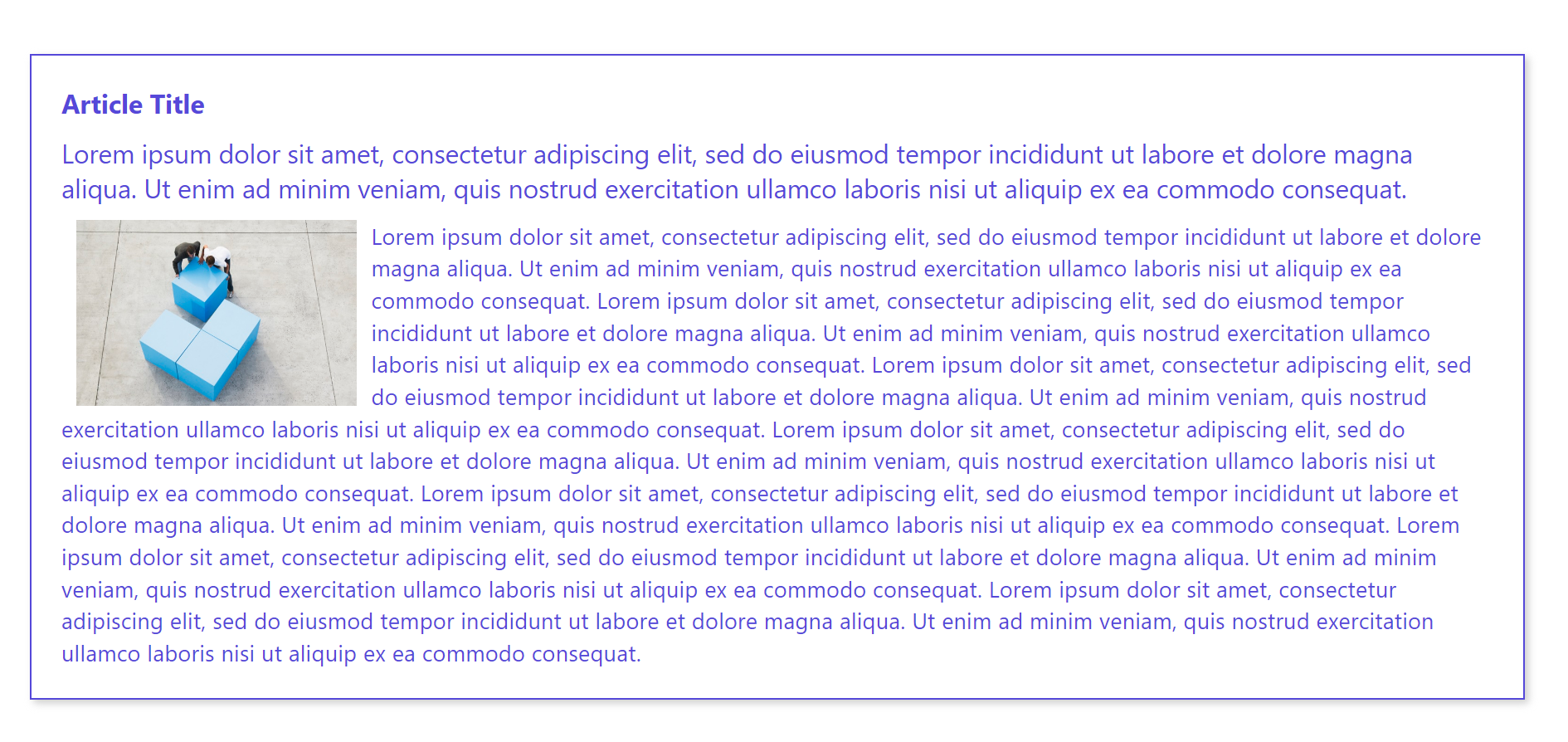
Anatomy
For a complete implementation, put together parts of the UI component as shown in the following code block.
Setting component properties
The following sections describe the various ways you can set values in the component.
Setting the title
{ .notintoc }
In your React application, paste the following code block then modify the primitives to match your needs.
{ .notintoc }
In your React application, paste the following code block then modify the primitives to match your needs.
{ .notintoc }
In your React application, paste the following code block then modify the primitives to match your needs.
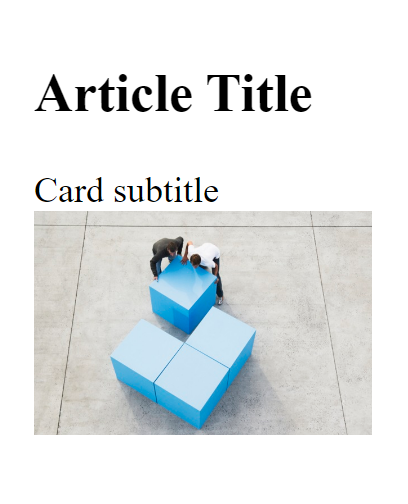
Setting the subtitle
{ .notintoc }
{ .notintoc }
In your React application, paste the following code block then modify the primitives to match your needs.
{ .notintoc }
In your React application, paste the following code block then modify the primitives to match your needs.
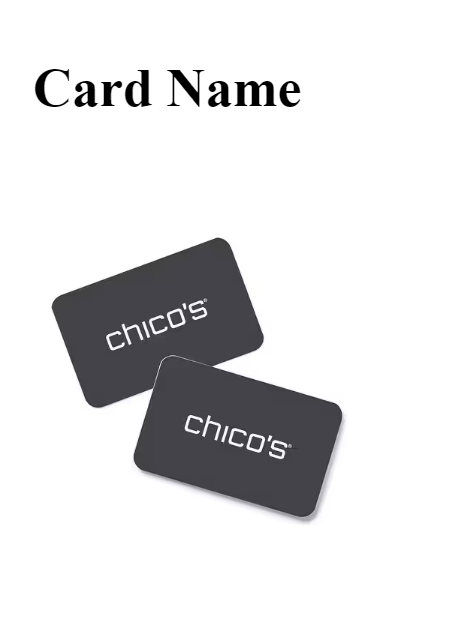
Setting images
{ .notintoc }
{ .notintoc }
In your React application, paste the following code block then modify the primitives to match your needs.
{ .notintoc }
In your React application, paste the following code block then modify the primitives to match your needs.
Setting Article.Content
In your React application, paste the following code block then modify the primitives to match your needs.
Setting ID in Article.Id
API reference
This section describes the component or component parts displayed in the anatomy structure. For every component, you will find:
- Components to which you can add it as a child.
- Components you can add as its child.
- Details of any properties you can set.
ArticleCard.Root
The ArticleCard.Root component contains all the components of the article card.
Children: ArticleCard.Title, ArticleCard.Subtitle, ArticleCard.Id, ArticleCard.Image, and ArticleCard.Content
| Name | Description |
|---|---|
article | The article object |
ArticleCard.Title
The ArticleCard.Title component is the wrapper for the article's title. If children is not provided, the component uses the value of title from the article present on the Root component.
Parent: ArticleCard.Root
| Name | Description |
|---|---|
asTitle | The type of the title used (can be h2, h3 or div) |
ArticleCard.Subtitle
The Article.Subtitle component is the wrapper for the article's subtitle. If children is not provided, the component uses the value of subtitle from the article present on the Root component.
Parent: ArticleCard.Root
ArticleCard.Id
The ArticleCard.Id component is the wrapper for article's ID. If no children is provided, the component uses the value of the ID from the article property present on the Root component.
Parent: ArticleCard.Root
ArticleCard.Image
The AccordionFacets.Root component contains all the parts of an accordion.
Parent: ArticleCard.Root
ArticleCard.Content
The ArticleCard.Content component is the wrapper for content.
Parent: ArticleCard.Root