- Primitive UI components
Carousel
Primitive UI components in Search UI Components package, are headless, building blocks used to create the headless widget templates for React applications. You can use them to scaffold your custom widgets.
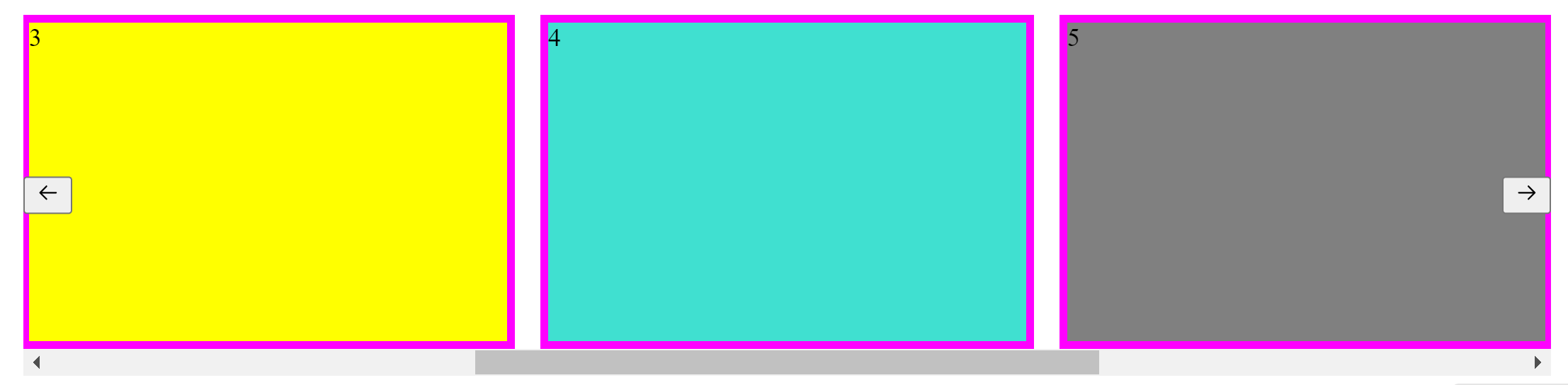
The Carousel primitive component is a slideshow navigating through a collection of content. It works with a series of images, text, or custom markup. It supports previous/next controls. The component does not automatically normalize slide dimensions. As such, you need use additional utilities or custom styles to appropriately size content.
This topic describes the anatomy, API reference, and variations of the CardViewSwitcher primitive component.
Anatomy
For a complete implementation, put together parts of the UI component as shown in the following code block.
Using the component
This section describes use of the Carousel primitive component. You can copy and paste these code blocks into your React application.
API reference
This section describes the component or component parts displayed in the anatomy structure. For every component, you will find:
- Components to which you can add it as a child.
- Components you can add as its child.
- Details of any properties you can set.
Carousel.Root
The Carousel.Root component contains all the parts of the carousel.
Children: Carousel.Slides, Carousel.Previous, and Carousel.Next
| Name | Description |
|---|---|
onNavigationNext | Event handler called when the next button is clicked.tsx<br>({index}) => { //do something }<br> |
onNavigationPrev | Event handler called when the previous button is clicked.tsx<br>({index}) => { //do something }<br> |
Carousel.Slides
The Carousel.Slides component contains all the Carousel.Slide components.
Parent: Carousel.Root
Children: Carousel.Slide
Carousel.Slide
The Carousel.Slide component contains the content to be displayed.
Parent: Carousel.Slides
Carousel.Next
The Carousel.Next component triggers the next page on the carousel.
Parent: Carousel.Root
Carousel.Previous
The Carousel.Previous component triggers the previous page on the carousel.
Parent: Carousel.Root