Understand crawler schedules
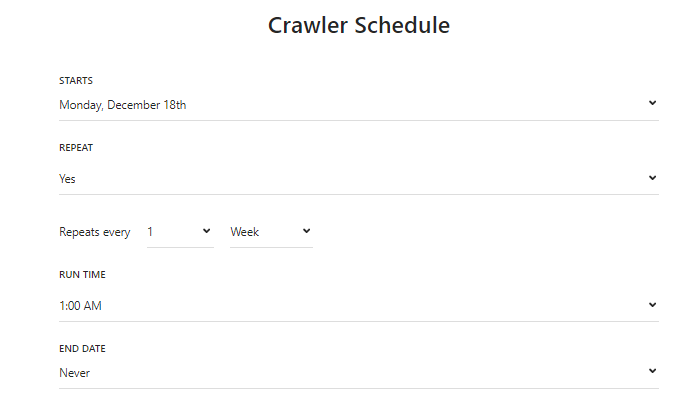
You can create a crawler schedule to enable Search to connect to your original content at defined intervals automatically. This ensures your index documents are always updated with the latest version of your content, removing the need for you to do frequent manual recrawls.
You can create one crawler schedule per source. You can also manually kick off a crawl at any time.
When you schedule a crawl to start at a specific time, Search tries to run the crawl at that time but might face delays because of resource availability. As a result, the crawl can start a little later than the scheduled time.
For example, assume you schedule a crawl to run every day at 11:30. If resources are available, the crawl starts at 11:30. However, if resources are not immediately available, the crawl might start at 11:40 or 11:50.
Best practices for scheduling crawls
We recommend the following best practices when you schedule crawls for sources:
- If you have many sources, we recommend that you stagger scheduled crawls to make the best use of resources. For example, you can schedule source A to start at
11:00, source B to start at11:30, and source C to start at12:00. - If you know that the server hosting your original content experiences high traffic during certain hours, schedule crawls outside of these hours.
- To optimize performance, schedule recrawls based on how often your content changes. For most sources, we recommend daily or less frequent scans.