Walkthrough: Getting contacts
This walkthrough is part three of the Extending the xConnect collection model walkthrough series. To complete this walkthrough, you must first complete walkthroughs part one and two.
The walkthrough describes how to:
- Get a contact from a contact identifier
- Get a contact's interactions
- Get an interaction
In Sitecore 9.1.0, in the Sitecore.Xdb.Common.Web namespace:
-
Certificate**WebRequest**HandlerModifierOptionsbecameCertificate**HttpClient**HandlerModifierOptions. -
Certificate**WebRequest**HandlerModifierbecameCertificate**HttpClient**HandlerModifier.
Get a contact from a contact identifier
To get a contact from a contact identifier:
-
In Visual Studio, in Solution Explorer, double-click the
Program.csfile and replace the content with the following code: -
Edit the
CERTIFICATE_THUMBPRINT,XCONNECT_URL, andCONTACT IDENTIFIERconstants. -
Save the
Program.csfile. -
Press F5 to run the app. If the connection is established, the app writes the following in the terminal:
- The contact ID.
- The contact name.
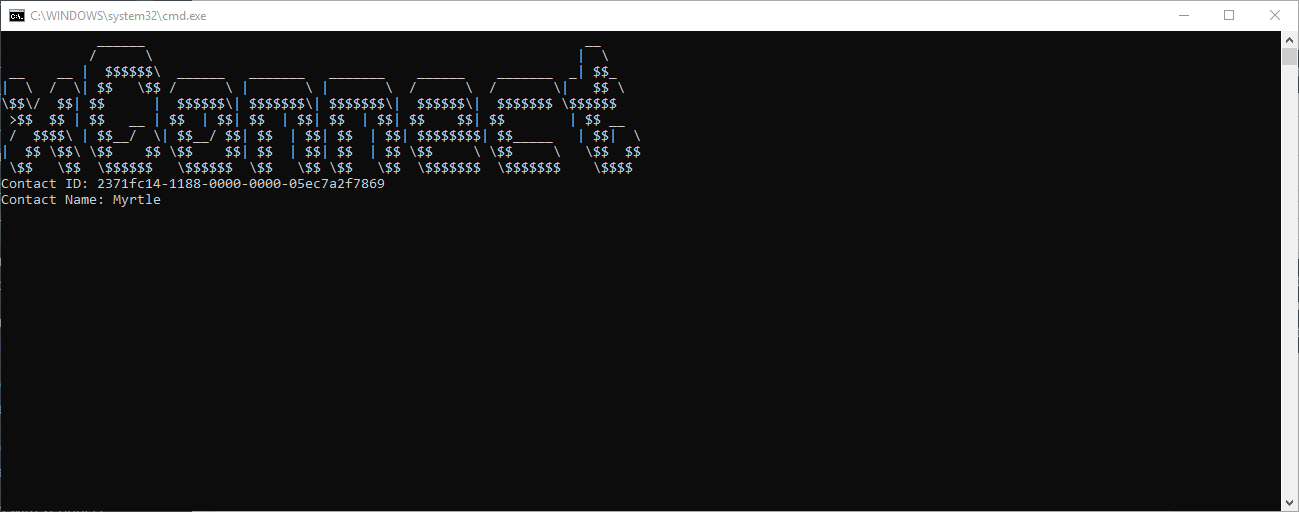
To retrieve a facet, you must explicitly request it as part of ContactExpandOptions. If you run the code without ContactExpandOptions the facet becomes NULL, and you get an exception error when you try to use it.
External systems are not normally used for storing contact IDs, so it is unlikely that you will use the .Get<Contact> overload that accepts a contact ID.
Get a contact's interactions
To get a contact's interactions, you must set the Interactions property of ContactExpandOptions.
To get a contact's interactions:
-
In Visual Studio, in Solution Explorer, double-click the
Program.csfile and replace the content with the following code: -
Edit the
CERTIFICATE_THUMBPRINT,XCONNECT_URL, andCONTACT IDENTIFIERconstants. -
Save the
Program.csfile. -
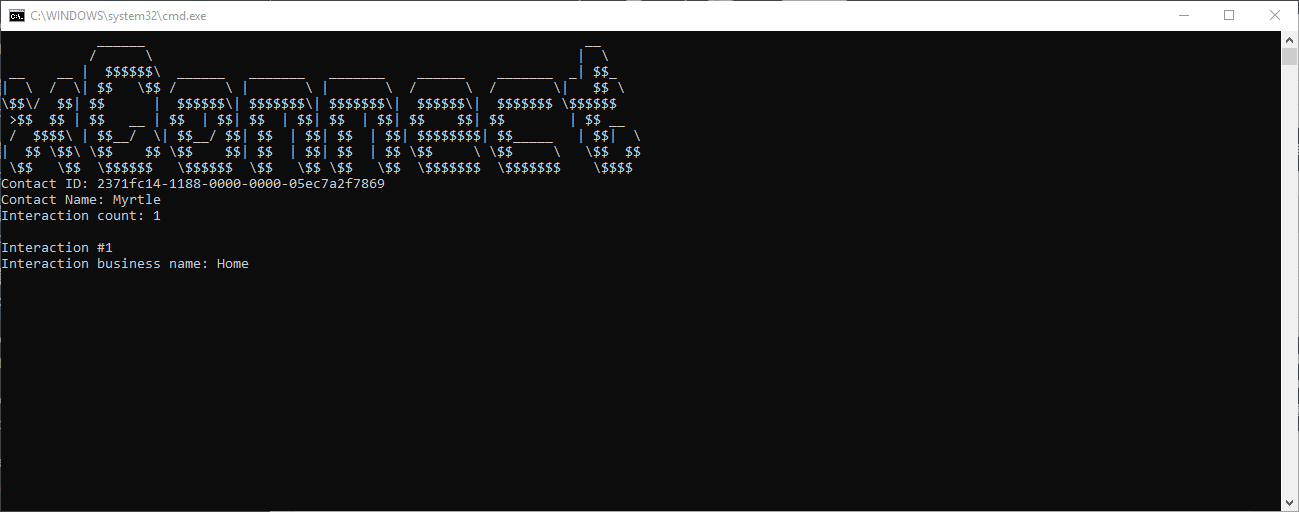
Press F5 to run the app. If the connection is established, the app writes the following in the terminal:
- The contact ID.
- The contact name.
- The number of interactions.
- The business name of each interaction.
-
You can adjust the
StartDateTimeandEndDateTimeproperties to retrieve only interactions between these two points in time. -
You can set the
Limitproperty to the number of interactions you want to see (counting from the first interaction).
Get an interaction
To get an interaction, you must have the contact ID and the interaction ID. You can also pass InteractionExpandOptions that gets the related contact and any contact facets you specify.
To get an interaction, use the following code:
Go to the next walkthrough to learn how to search contacts and interactions.