Download a media item
As required, you can download a media item from Content Hub ONE.
To download a media item:
- On the menu bar, click Media.
- On the Media page, click the name of the media item to open its details page.
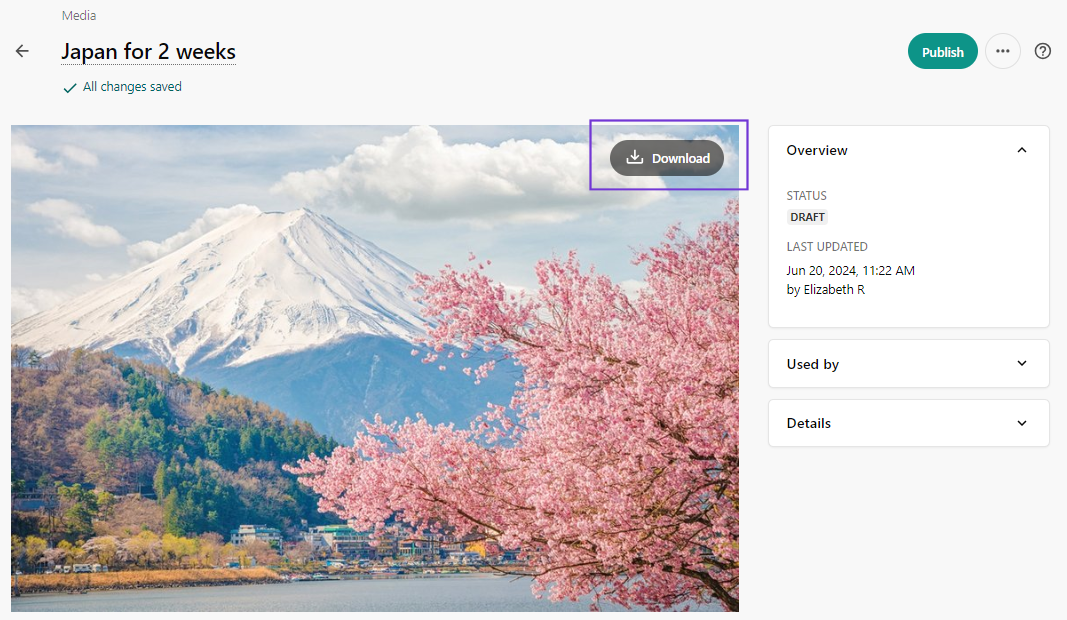
- On the media item details page, in the upper right corner of the preview, click
 Download.
Note
It is not currently possible to download media items in bulk.
If you have suggestions for improving this article, let us know!