Feed errors comparative metrics
The Feed errors comparative metrics report uses various properties and metrics to report on feed errors.
A comparative metrics report has two parts, Metrics tiles and Metrics comparison over a date range.
Metrics tiles
This is the first part of a comparative metrics report. It displays a tile for every relevant metric and KPI. Each tile reports the overall value for the selected period. The following is a generic example of metric tiles.
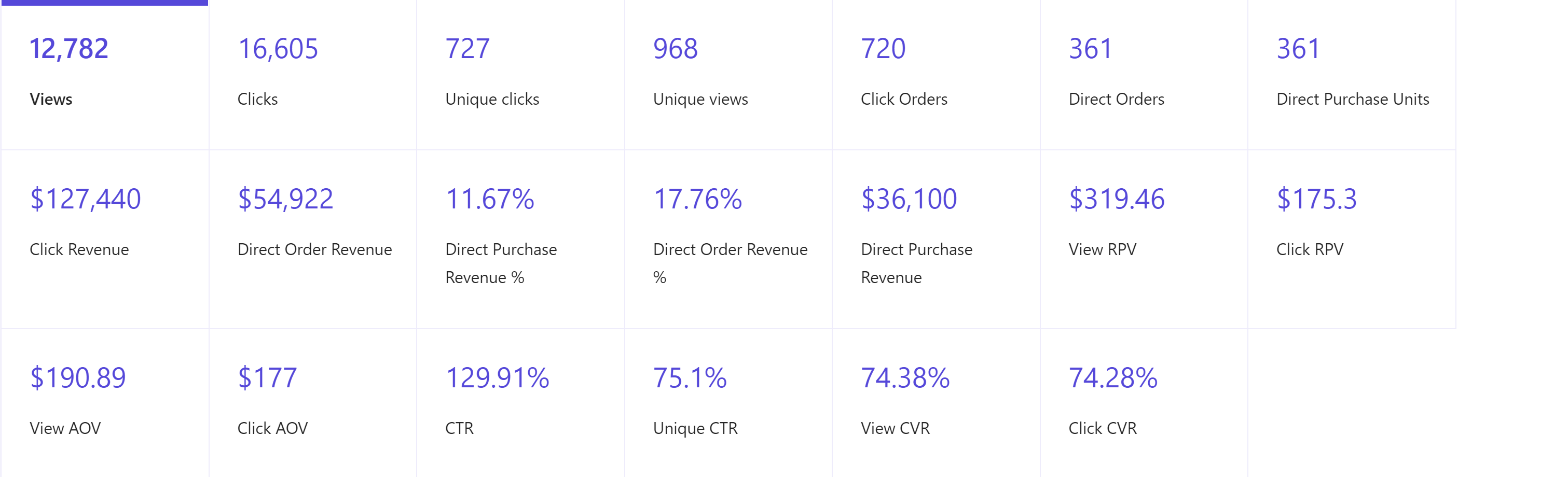
Clicking a metric tile sets its metric as the first metric in the second part of this report, the Metrics comparison over the date range part.
Metrics comparison over a date range
This is the second part of a comparative metrics report. It is a line chart comparing two performance metrics over a selected period. You can select metrics from two drop-down menus.
The following is a generic screenshot of comparative line charts for two metrics.
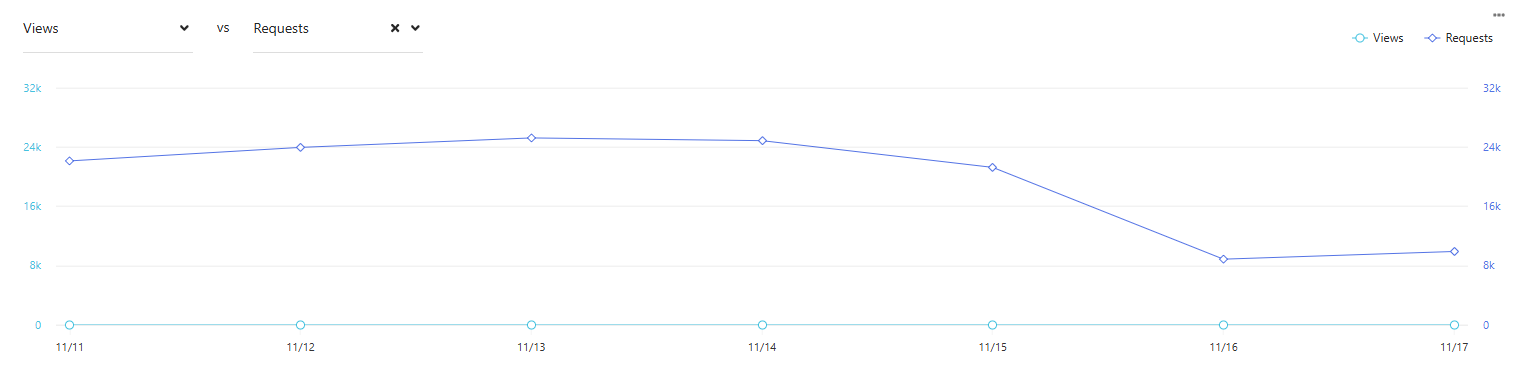
You can also set the first metric by clicking a metric tile in Metric tiles, the first part of this report.
To examine data points in charts and tables, hover your mouse over the point or element.
To export data, click  and then click Export Data.
Data filters
Use the following filters to generate data for this report:
Date range - includes Yesterday, Last 7 days, Last 14 days, Last 30 days, Last 90 days, and Customized range.
Jobs - allows users to select jobs by ID.
Field - includes all available fields. Default is All fields.
Severity - includes All severity and High.
Metrics and KPIs
This report uses the following metrics and properties:
Total issues - the total number of issues encountered.
Over populated entries - the total number of entries that are over populated.
Field type is missing - the total number of cases where a field type is missing in the data feed.