Create a form for a web template
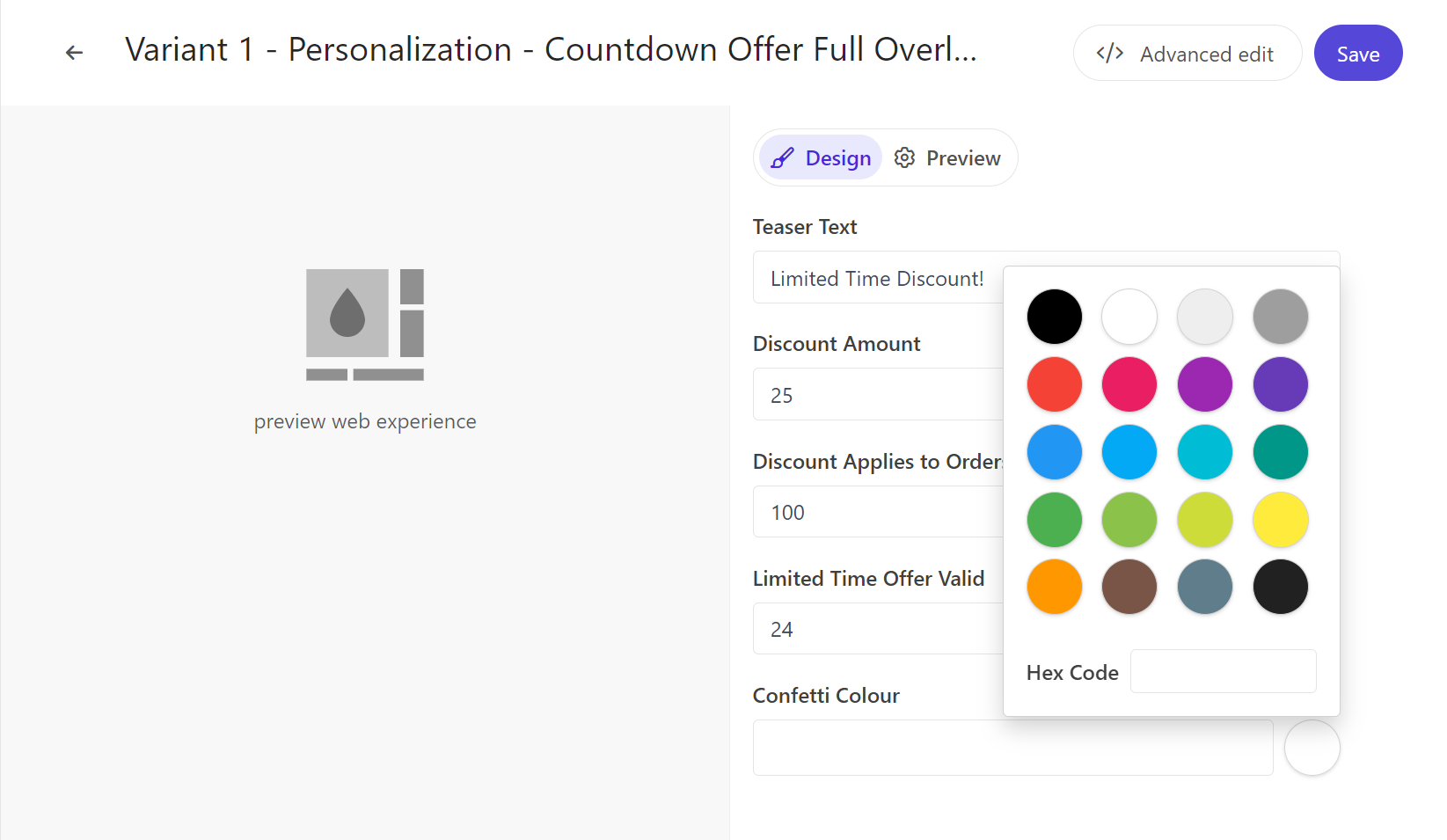
To further enable marketers to customize a web experiment or web experience without using code, technical users can create dynamic forms for the marketer to complete, without ever having to edit HTML. All the marketer has to do is enter or select the content they want to display in the web experiment or experience, as shown in the following image.
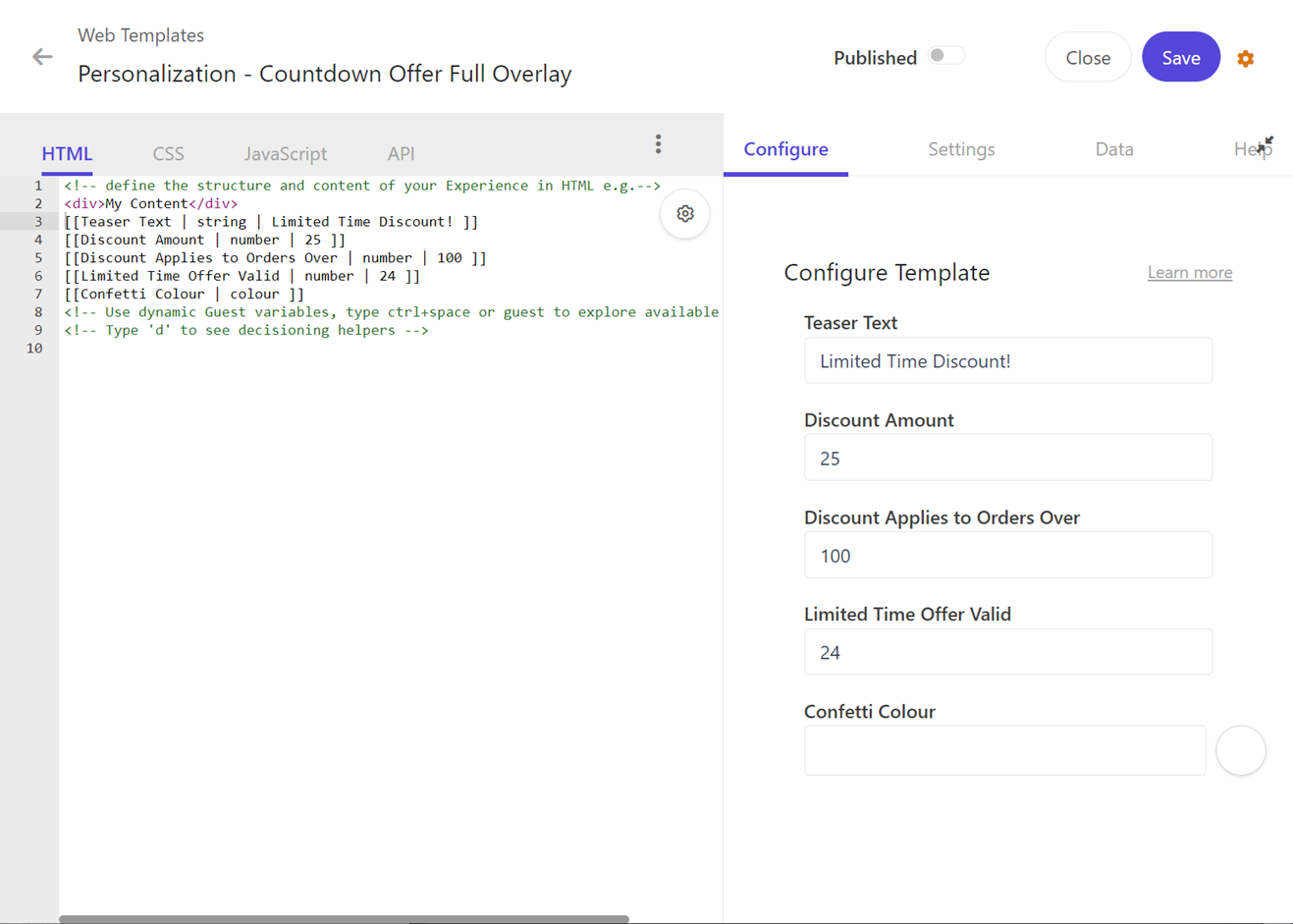
To add configurable parameters to a web template, in the HTML editor, add the template parameter syntax to the required HTML block:
The following image shows the parameters entered in the HTML tab:
Team members with a User, Developer, or Admin role in Sitecore Cloud Portal can create a form for a web template.
The following table describes the template parameter elements that you use to create a form for a web template.
| Element | Description | Required |
|---|---|---|
parameter_name | The name of the form field that the marketer sees when they create a web experiment or experience based off the web template. Example: Greeting | Yes |
type | The type of form field that determines whether the marketer enters text, a number, selects from a drop-down list, and so on. Options: string, text, number, enum, colour. | Yes |
default_value | The default value that displays in the form field for the marketer to confirm or select from a drop-down list. | Optional, but necessary if you want to add variables that the user can select from. |
order | The order that the parameter field displays on the form. You can use this element with all the template parameters. | Optional |
configuration | A JSON configuration object that contains name/value pairs, in relation to the type you selected. | Optional |