Add a language version to an item
To translate the content of an item into a new language, first you need to create a version of that item in that language. When you've done that, you can start translating the content of the item. If the item is, for example, a page, you translate the fields of that page.
If your website is an SXA site, you can also run a built-in script that creates a new language version of the entire website, including all its items and fields.
- Make sure that the target languages have been added to your environment. You add languages to the sitecore/System/Languages item.
To add a language version to an item:
-
In the content tree, select the item you want to create a language version of.
-
On the Versions tab, select a target language, for example, German.
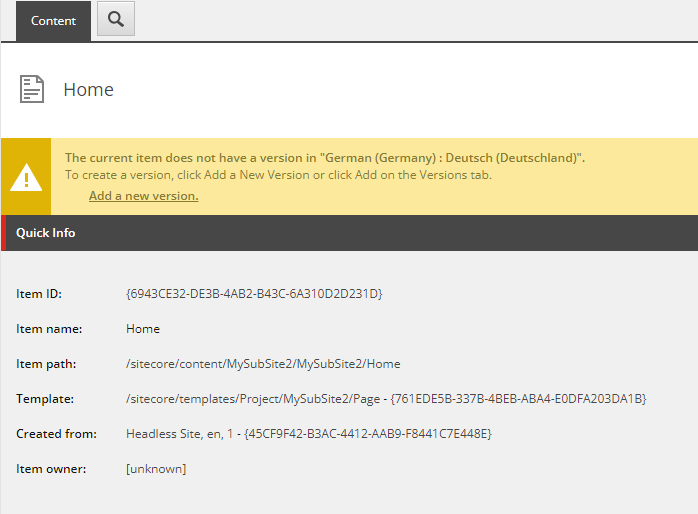
-
Click Add a new version. The item is now displayed in the target language version.
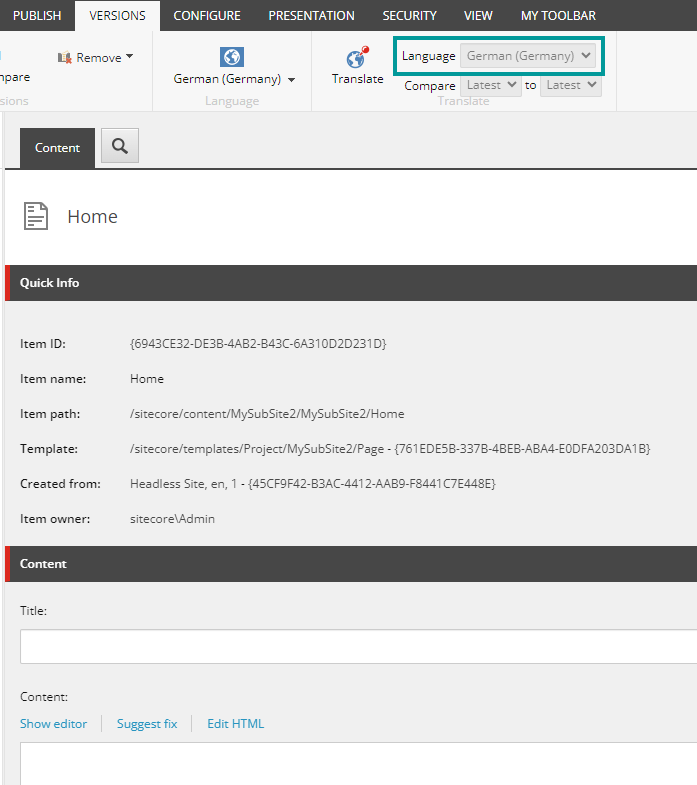
Now you can start translating the content of the item in the newly added language.