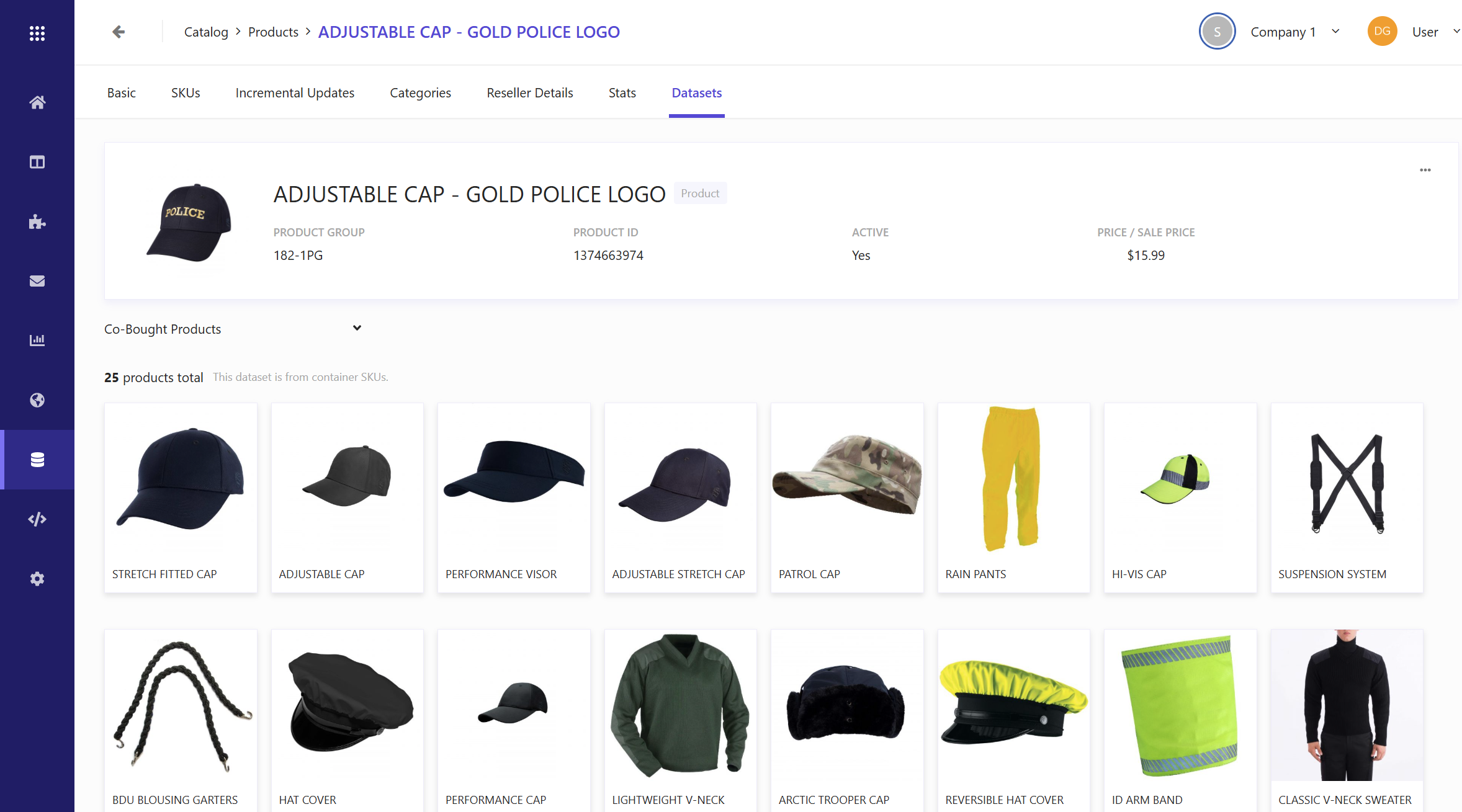
Datasets
In Sitecore Search, datasets are used to display grouped performance metrics associated with the product entity. These datasets are generated through a combination of sales feed crawlers, event ingestion, and commerce analytics, and are used to show how products perform in various group contexts. For example, users can filter and sort to view how a product is performing against other products in the same category, or to see which products are frequently bought together.
Users can utilize these metrics to better understand their customer's purchasing patterns, and make recommendations based on related products.
After you have enabled commerce analytics and selected your product entity, these datasets will be available in the following sections of Search:
Product browser
Datasets at the entity level are visible by clicking Content collection > Product. In this window, you can see top performing products judged by metrics such as views, revenue, and conversions. You can also filter by web or store purchases, and further refine results by location or device.
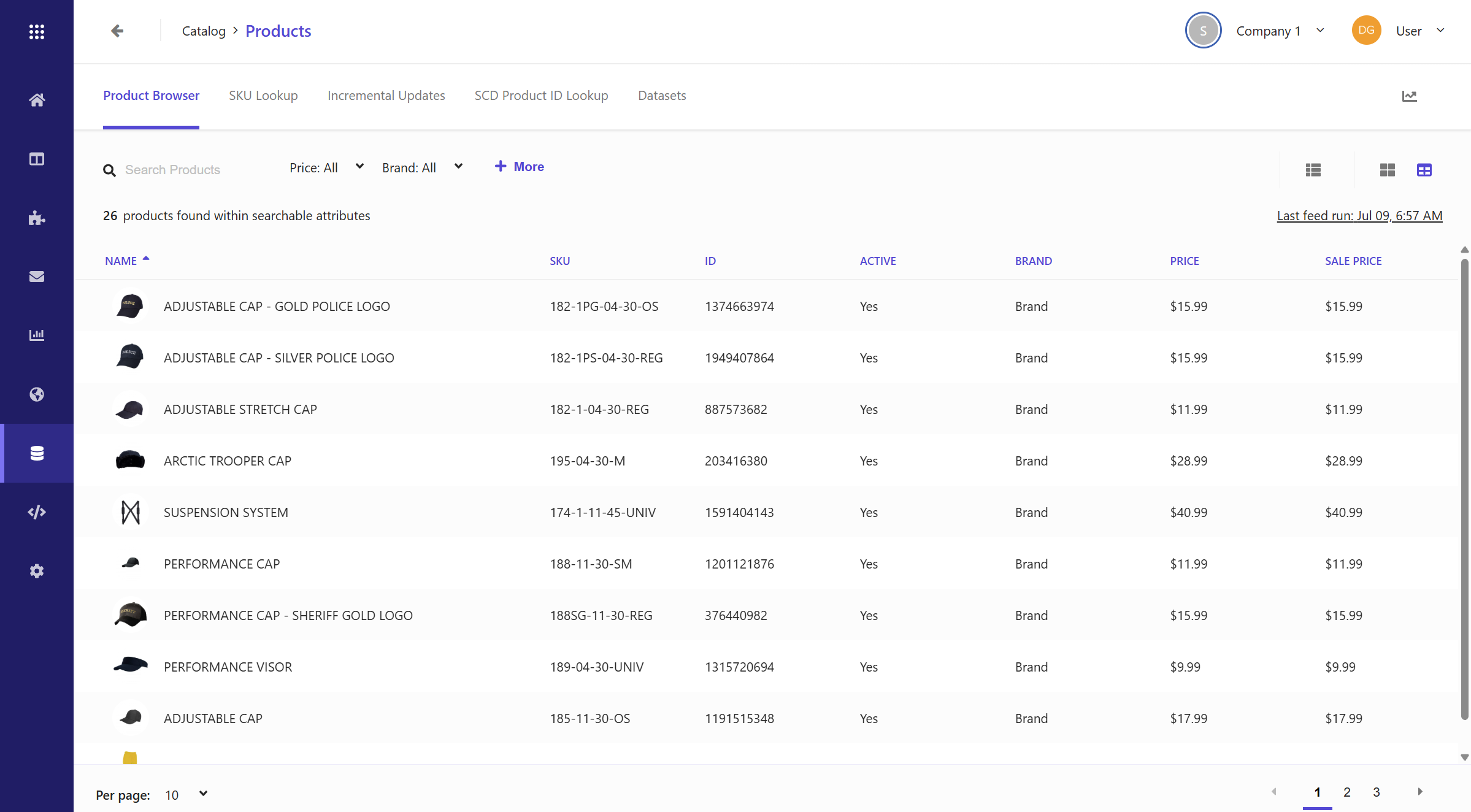
Product
Clicking on a product in the Product browser window will open the product's page, which shows details such as the Name, Price, and Stock quantity of the item. The Datasets tab in this window shows products that are related to the selected product. For example, you can choose a filter from the drop-down list to view items that are similar to the selected product, or that are frequently bought with the selected product.