Move an item
Version:
You can move an item to a different location.
To move an item:
-
In the Content Editor, navigate to the item or page that you want to move.
-
On the Home tab, in the Operations group, click Move to. Alternatively, you can right click the item in the content tree, click Copying and then click Move to.
-
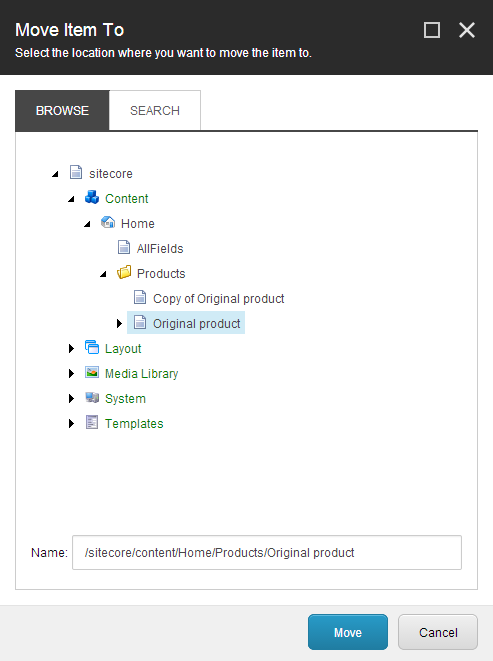
In the Move Item To dialog box, select the location that you want to move the item to. You can navigate to the location in the content tree on the Browse tab or search for the location on the Search tab.
-
Click Move.
If you have suggestions for improving this article, let us know!