Begin the migration
On the 5 Migration page of the wizard, you can initiate the migration. In this step, AI groups pages that have the same structure, determines the best page template and most relevant components from the target SitecoreAI instance for each group, then migrates all content into the new content structure.
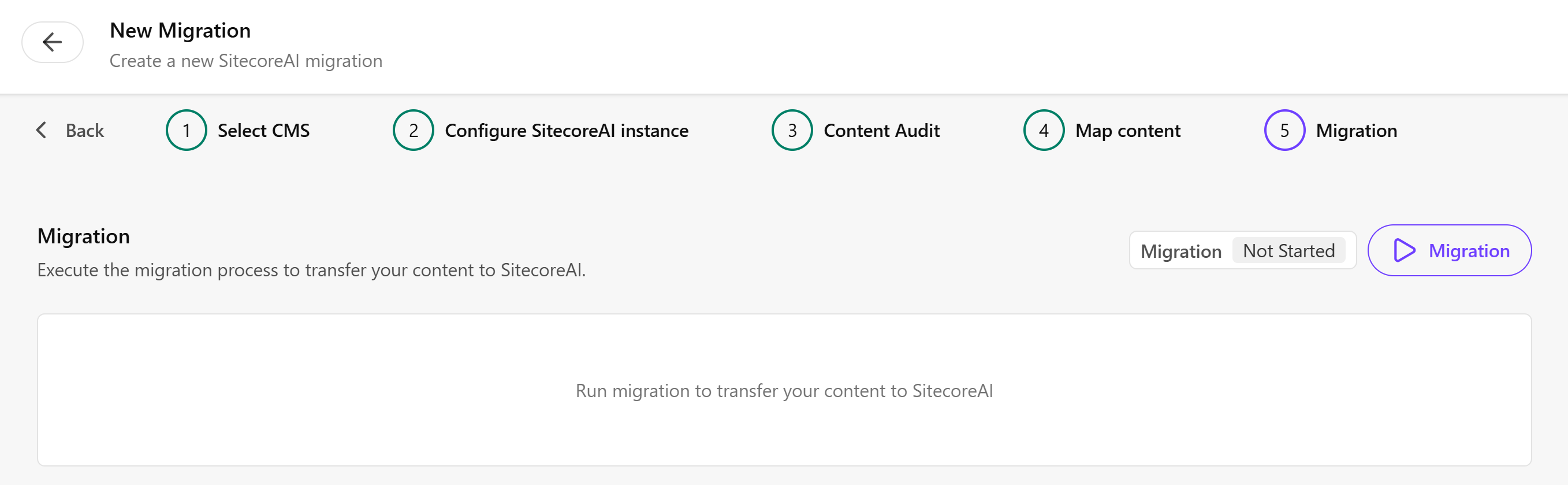
To begin the migration:
-
On the Migration page, click
 Migration to transfer the mapped content to SitecoreAI.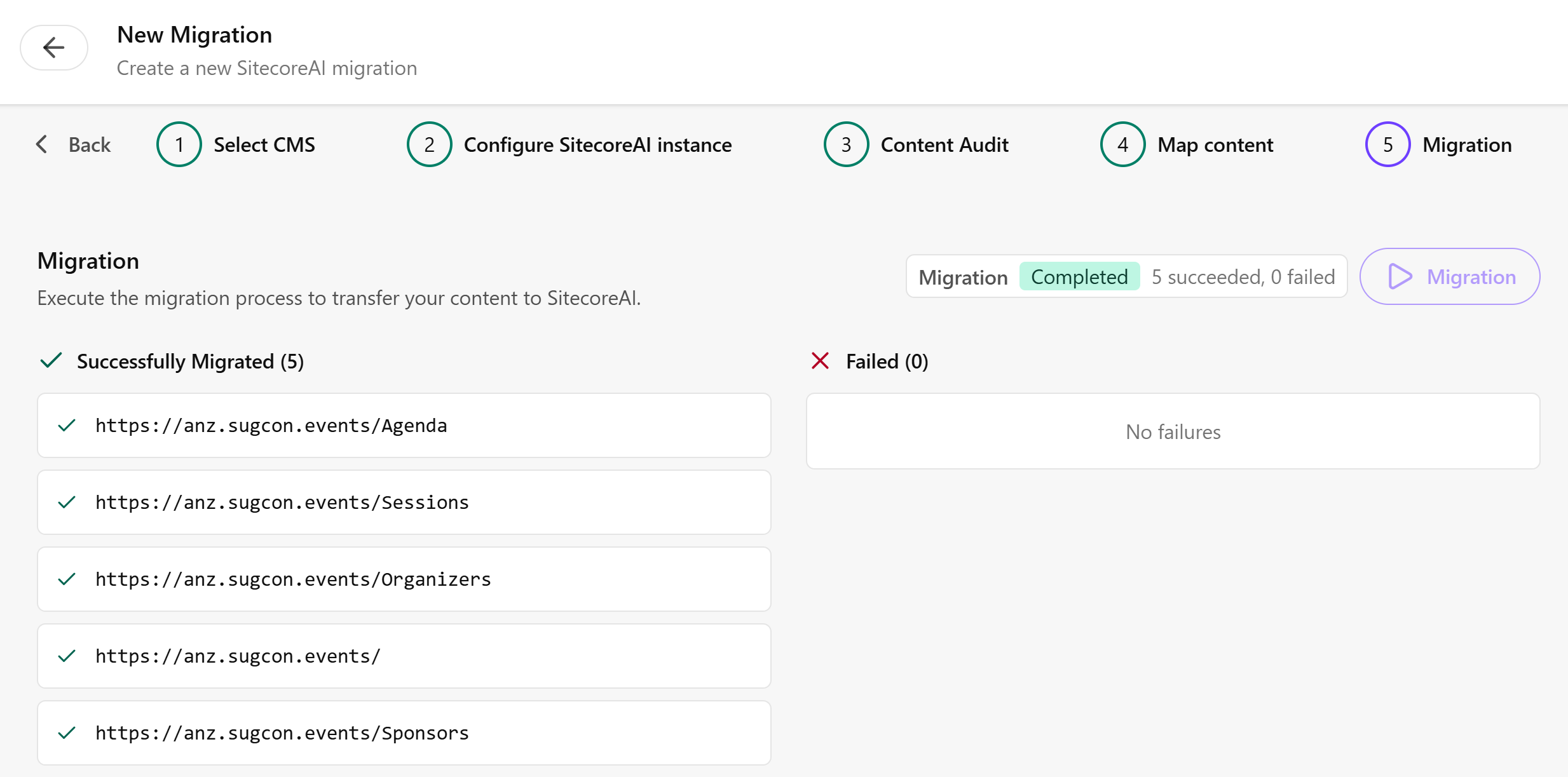
-
After migration completes, review the results to confirm all items were migrated successfully. Verify the following:
- The expected number of items were migrated.
- Templates are mapped correctly in the target environment.
- Component mappings are complete and accurate.
- No critical errors appear in the migration log.
If you have suggestions for improving this article, let us know!