Create a migration
The SitecoreAI Pathway app uses AI to streamline migrations from Experience Manager (XM), Experience Platform (XP), or any other website to SitecoreAI and reduce the implementation time, complexity, and manual work. The app walks you through each phase of the migration process; from the initial configuration to the final deployment with built-in validation checkpoints. Throughout this process, your site's visual design and operational capabilities remain intact.
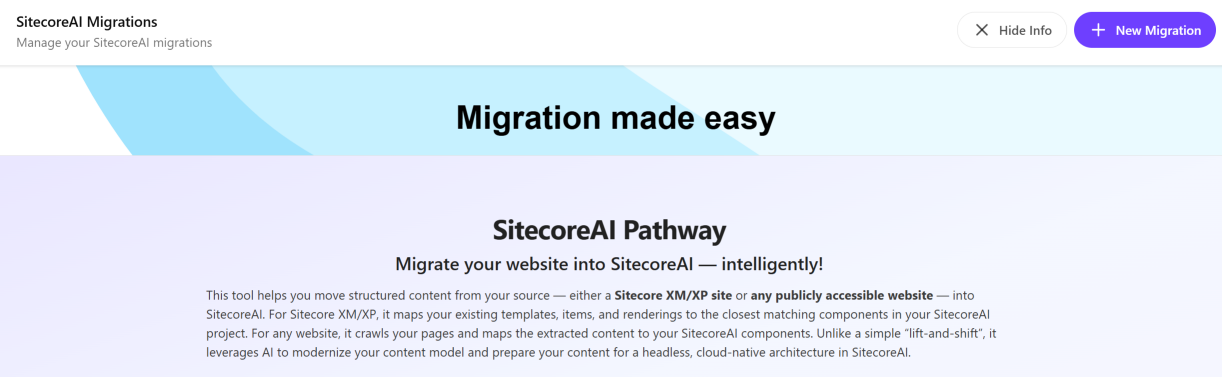
You can migrate a single site in a single language and then repeat the process to migrate multiple sites in multiple languages.
To create a migration:
-
In the SitecoreAI Pathway app, click
 New Migration.
 -
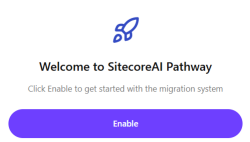
If this is the first time you are using the SitecoreAI Pathway app, in the Welcome to SitecoreAI Pathway section, click Enable to initialize the app.
To continue a migration or update the name and description of an existing migration, on the SitecoreAI Migrations home page, next to the migration you want to continue or edit, click Open.